The Useful Media Co / Useful Studio / Reel for your app
Reel for your app
Last updated · Facts from the Useful Studio page, checked 24 Nov 2026
A reel for your app is a 15 to 30 second vertical video that loops cleanly, in your colours, with music on the beat and captions you can read on a phone. Useful Studio's /studio-reel makes one from 1 typed line in Claude Code on a Mac.
What a reel for an app needs
- A hook in the first second. Show the problem the app fixes before you show the app.
- One idea on screen at a time. A phone screen has room for 1 line, not 3.
- Captions you can read on a phone. So the reel still works muted.
- A clean loop. The last frame leads back into the first, so a second watch feels natural.
The Studio page pitches it as a reel for every update. The hard part is making one each time without opening a timeline.
How to make one with Useful Studio
- Run /studio-setup once. About 5 minutes. No admin password.
- Run /studio-brand once. It saves your app name, logo, colours, fonts and tone. Every reel after that is on-brand.
- Run /studio-reel. Answer a few plain questions about what the reel should show. It writes the story with a hook, a reveal and a clear ending.
- Pick a template or a style. Myth vs fact, before and after, stat reveal or countdown are 4 of the 20 templates. Ask for any of the 12 styles by 1 word, such as retro, pop or calm.
- Let it check its own work. It watches the reel, scores it on 7 things and fixes the weakest until every score is 8 or more.
- Collect the file. The MP4 lands in your Movies folder. Most runs take 10 to 40 minutes while you do something else.
Music is built from 76 real recorded samples cleared for commercial use, or drop in your own track and it cuts every shot to the beat. Watch the reels it made on the Studio page.
Where to post it
- Instagram Reels and YouTube Shorts: the vertical file, as is.
- Launch day: pair it with a 25 to 35 second launch film from /studio-launch. See launch video for your app.
- Your blog: Studio Pro's /studio-blog turns a blog post into a 45 to 60 second narrated vertical video.
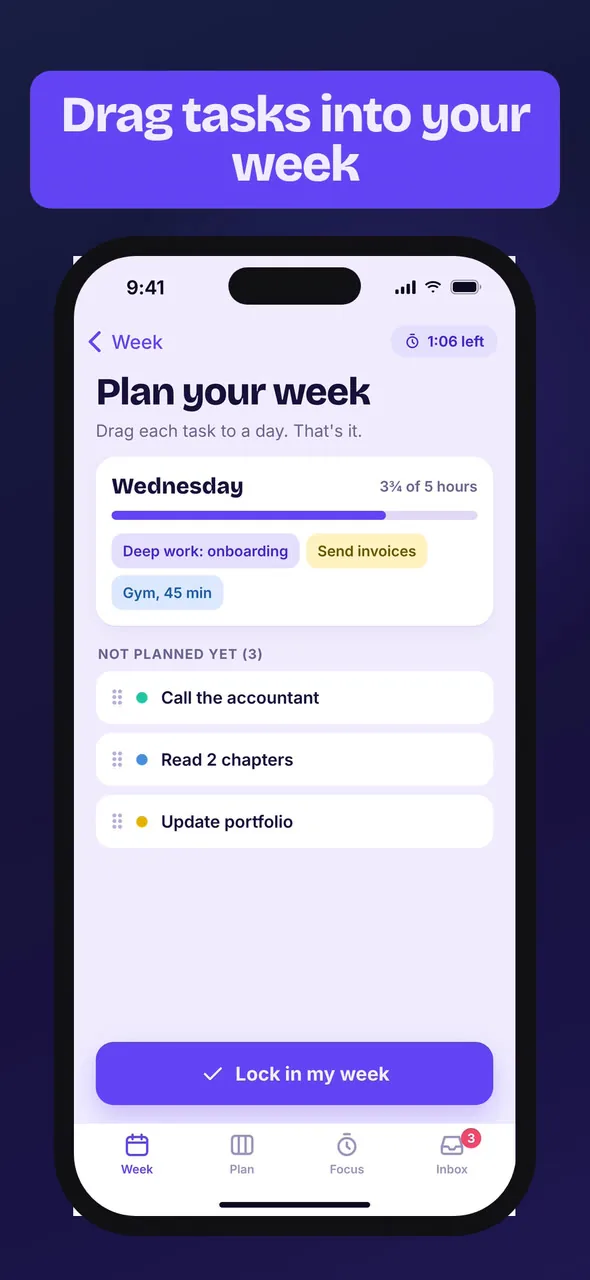
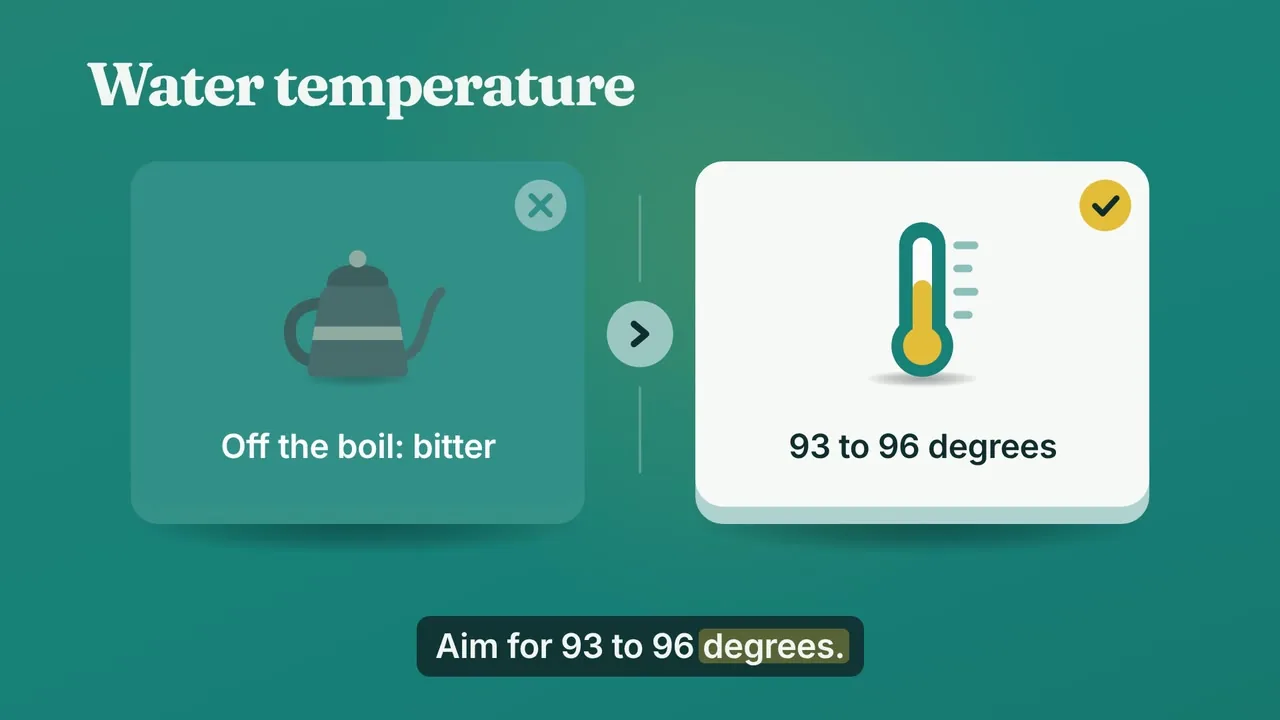
 More videos it made, see all 11
Limits to know before you start
- Short only. A reel runs 15 to 30 seconds.
- No AI images. It animates your screenshots and drawn graphics. It does not generate pictures or footage of people.
- Mac only. macOS 14 or later, with Claude Code on a paid Claude plan.
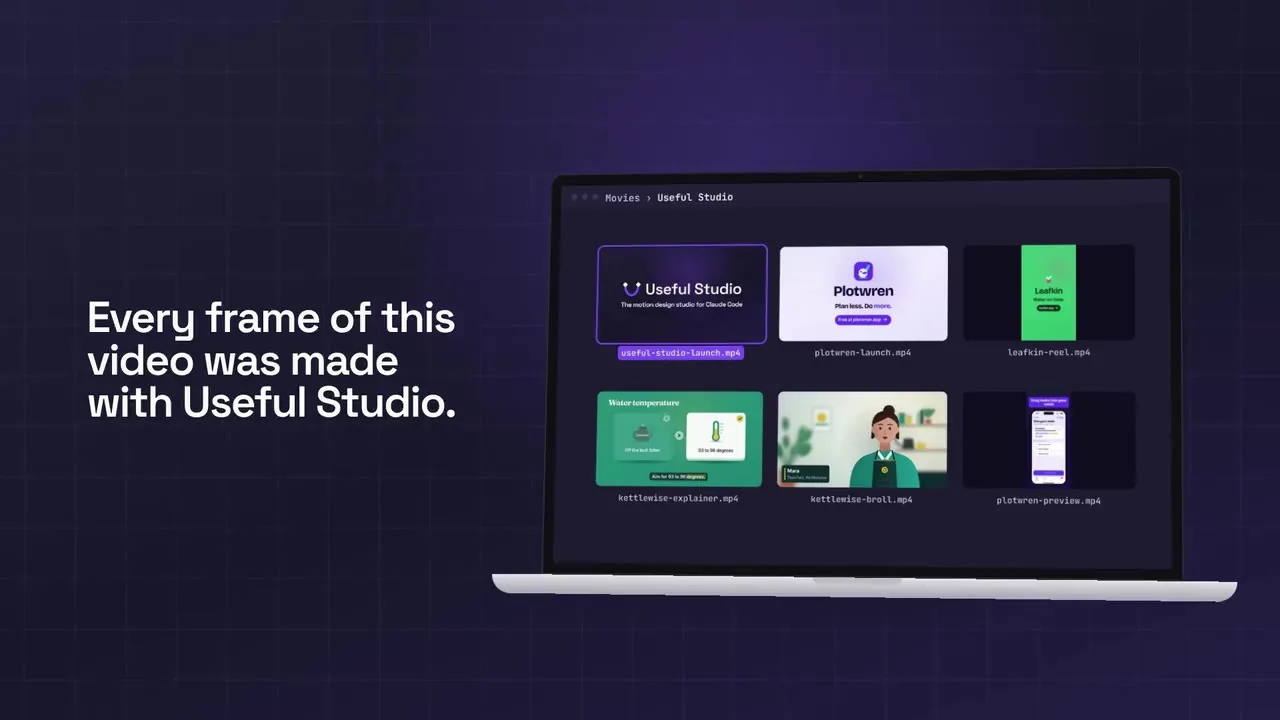
A reel for every update, without a timeline.
Useful Studio is $79 one time, with 20 licences left at this price. App Store previews need Studio Pro.
20 licences left at $79, then $99. Runs on your own Claude plan, no subscription. All sales are final.