iOS 276 apps · 7 features
Best apps for AirPods
The apps that make the most of your AirPods: clearer podcasts, sound for sleep and focus, and something to learn on a walk. Plus the iOS 27 changes most people miss.
Put these 6 on it first
1 app for each thing AirPods do best: talk, quiet and a walk.
1 app for each thing AirPods do best: talk, quiet and a walk.Shows and articles that sound clearer in your ears.Steady sound to block a noisy room or help you sleep.Learn something on a walk, eyes on the road.-
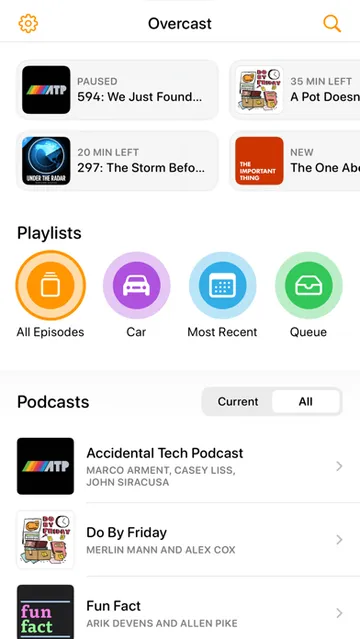
 OvercastPodcasts with silences trimmed and voices evened
Podcasts and articlesFree to start
-
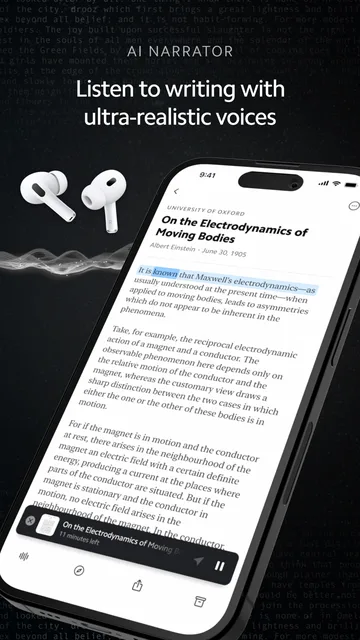
 MatterListen to saved articles like a podcast
Podcasts and articlesFree to start
-
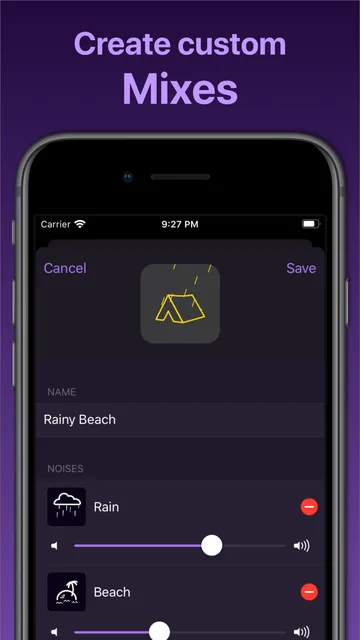
 Dark NoiseNoise mixes that play offline, with a sleep timer
Sleep and focusFree to start
-
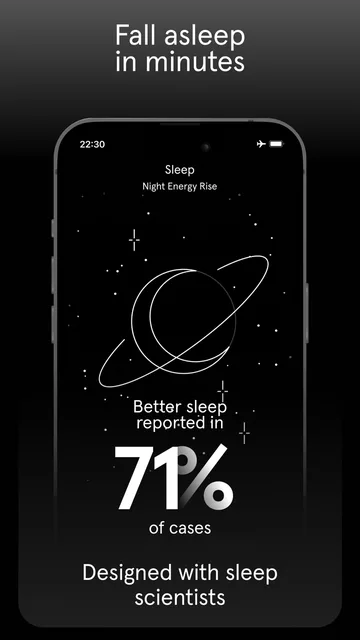
 EndelSound that adapts as you focus or fall asleep
Sleep and focusFree to start
-
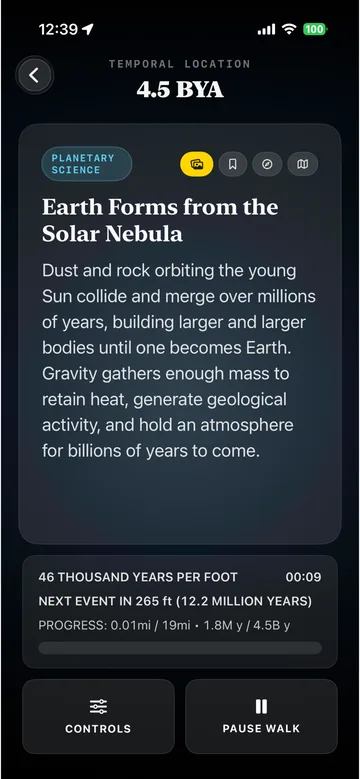
 Time StrideHistory narrated as you walk, over your music
On a walkFree
-

 LingoRoveLanguage lessons you only need to hear
On a walkFree to start
Built in, easy to miss7
Tap a card for the details.
Set your own EQ
AirPods › Audio & Routing › EqualizeriOS 27 lets you tune lows, mids and highs yourself. It works on AirPods with the H2 chip: AirPods 4 and 5, Pro 2, Pro 3 and Max 2.
Keep audio in your AirPods
General › AirPlay & ContinuityStops your podcast jumping to the car or a Bluetooth speaker the moment it connects. It's off until you turn it on.
Take a photo with a stem press
AirPods › Controls & Gestures › Camera RemotePick Press Once or Press and Hold, then press the stem to take a photo or start a video in the Camera app on iPhone or iPad.
Live Translation in your ears
Hold both stemsPress and hold both stems to hear someone translated into your language. Needs an iPhone 15 Pro or later with Apple Intelligence on.
Find AirPods Pro 3 from your wrist
Apple Watch › Find DevicesWith watchOS 27, Precision Finding on Apple Watch points you to the AirPods Pro 3 case, step by step.
Your heart rate on the treadmill
Tap iPhone to the machineAirPods Pro 3 send your heart rate to GymKit treadmills and bikes. Tap your iPhone to the machine, and its distance and incline land in Fitness.
Every AirPods setting moved
Changed in iOS 27iOS 27 sorts them into menus like Audio & Routing, Hearing Health, Controls & Gestures and Battery, so old spots are gone.
Worth adding8
MagSafe and Qi chargers work with the AirPods Pro 3 case and the AirPods 5 with Wireless Charging Case. The $129 AirPods 5 charge over USB-C only.
Black Friday: Apple's own AirPods gearAll Apple gear deals
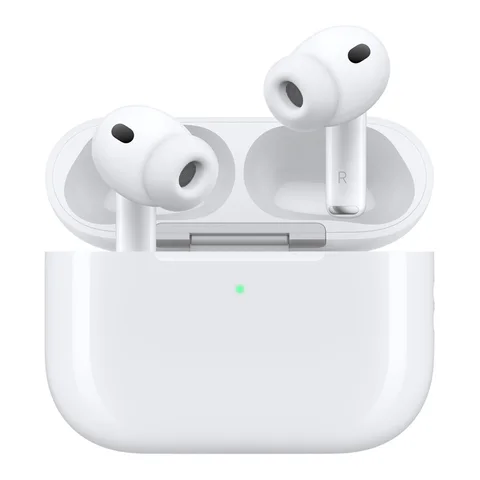
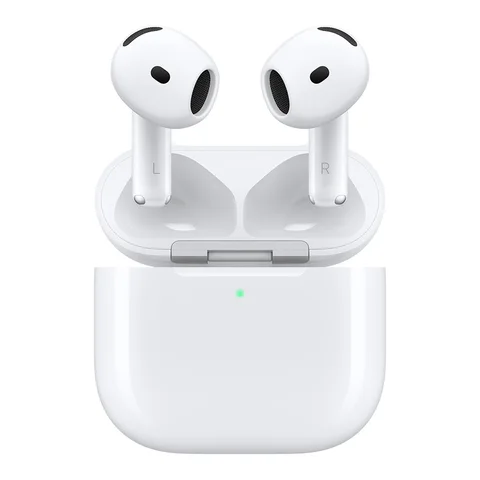
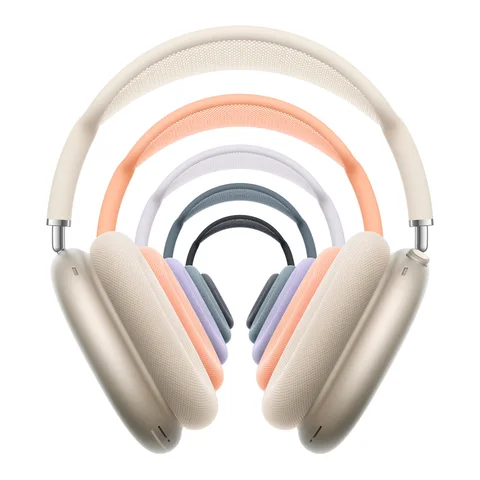
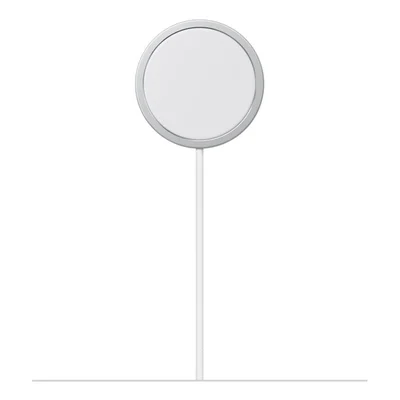 Apple MagSafe Charger (25W)1 puck for the case and your iPhoneAmazon
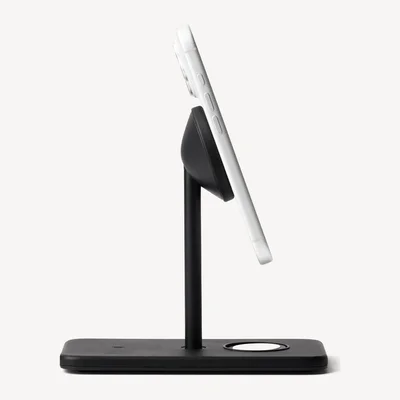 Twelve South HiRise 3 DeluxeAirPods pad on a 3-in-1 nightstandAmazon
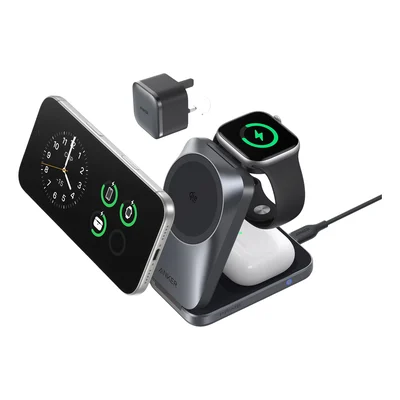 Anker Prime 3-in-1 Foldable (Qi2.2)iPhone, Watch and AirPods. Folds flat.Amazon
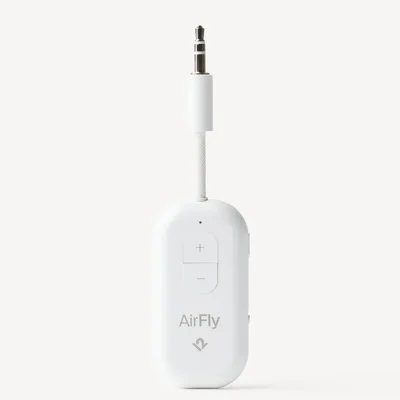 Twelve South AirFly Pro 2AirPods on the plane's seat screenAmazon
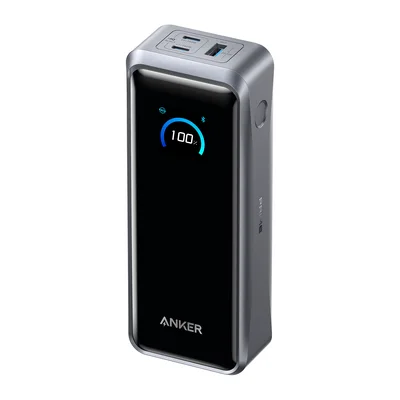 Anker Prime Power Bank (26K, 300W)Charges the case and your phone on a tripAmazon
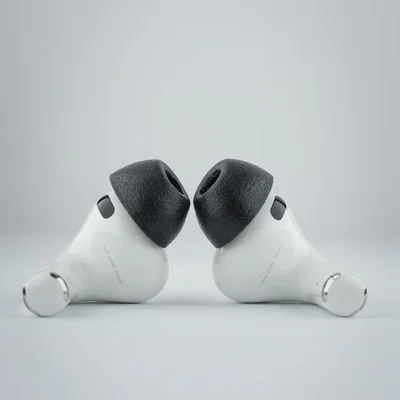 Comply Memory Foam Ear Tips (AirPods Pro 3)Foam tips that don't fall outAmazon
 Comply AirPods Pro 3 Protection KitCleaning pen, wipes and a case coverAmazon
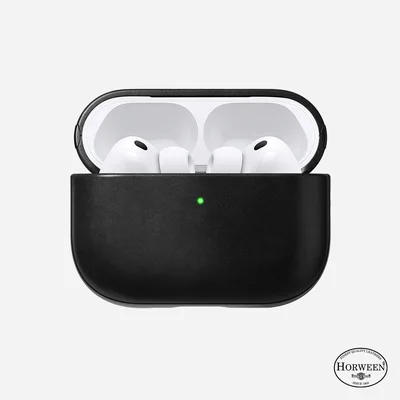 Nomad Modern Leather Case (AirPods Pro 3)Leather case that ages wellAmazon
As an Amazon Associate, The Useful Tech earns from qualifying purchases.
What creators listen with
AirPods questions
What apps should I install first for AirPods?
1 app for each thing AirPods do best: Overcast or Matter for podcasts and articles, Dark Noise or Endel for sleep and focus, and Time Stride or LingoRove for a walk.
How do I set a custom EQ on AirPods?
On iOS 27, go to Settings › your AirPods › Audio & Routing › Equalizer › Custom and adjust lows, mids and highs. It needs AirPods with the H2 chip.
Which AirPods get Live Translation?
AirPods 4 with ANC, AirPods 5, AirPods Pro 2, AirPods Pro 3 and AirPods Max 2, paired with an iPhone 15 Pro or later with Apple Intelligence on.
How do I stop my car taking audio from my AirPods?
Turn on Keep Audio with Headphones in Settings › General › AirPlay & Continuity. It's off by default.
Can AirPods track my heart rate?
AirPods Pro 3 can, during workouts. In iOS 27 they also send it to GymKit treadmills and bikes when you tap your iPhone to the machine.
Sources: MacRumors: every new AirPods feature in iOS 27 · 9to5Mac: AirPods Pro 3 in iOS 27 · Apple: Live Translation with AirPods · Apple: AirPods as a camera remote · MacRumors: Keep Audio with Headphones · Twelve South: AirFly Pro 2 · Comply: AirPods Pro 3 tips