iPadOS 276 apps · 7 features
Best apps for iPad
The apps that use what your iPad does best: Apple Pencil, a big screen for real work, and the couch. Plus the iPadOS 27 settings most people miss.
Put these 6 on it first
1 app for each thing an iPad does best: Pencil, big-screen work and the couch.
1 app for each thing an iPad does best: Pencil, big-screen work and the couch.Write and draw with the Pencil that clips to the edge.Room for PDFs and docs, with or without a keyboard.For the kitchen, the couch and the end of the day.-
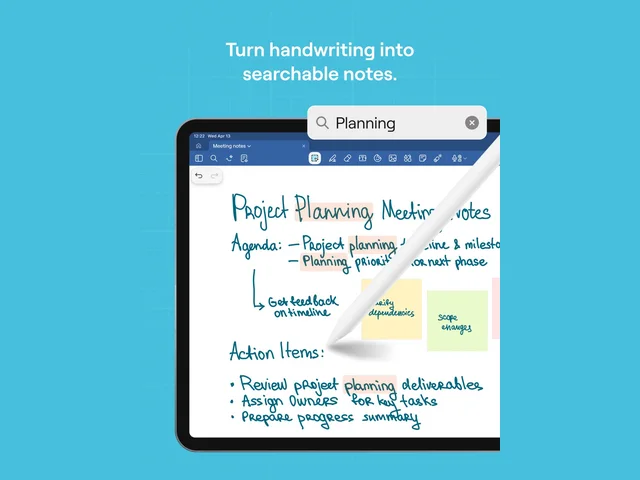
 GoodnotesHandwritten notes you can search
Apple PencilFree to start
-
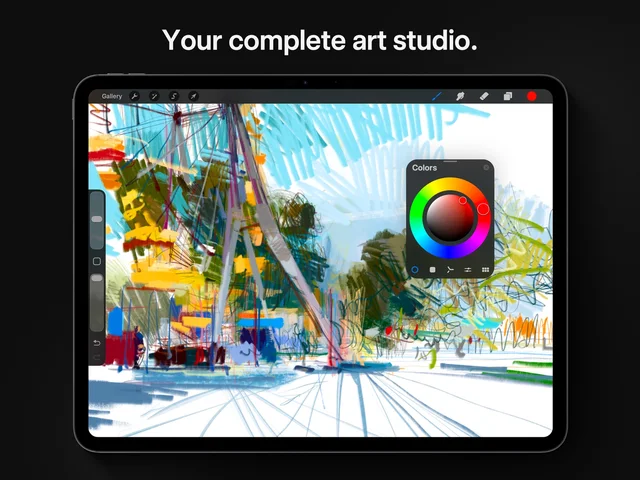
 ProcreateA full art studio, paid once
Apple Pencil$12.99 once
-
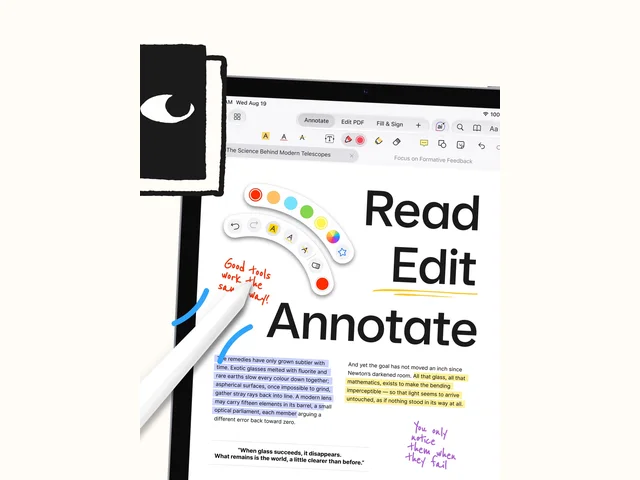
 PDF ExpertMark up and sign PDFs for free
Big-screen workFree to start
-
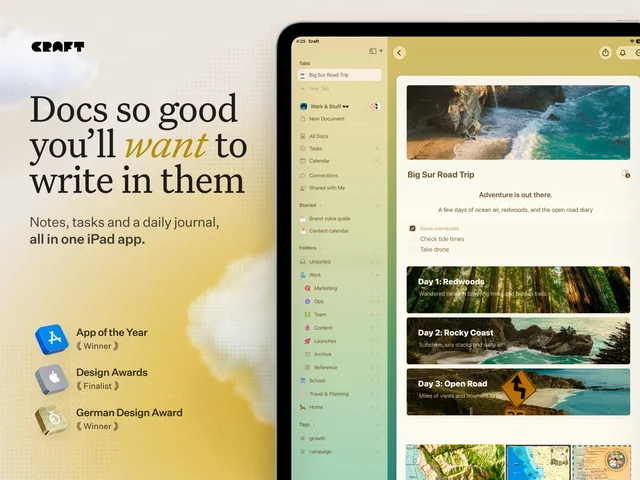
 CraftDocs that look good enough to share
Big-screen workFree to start
-
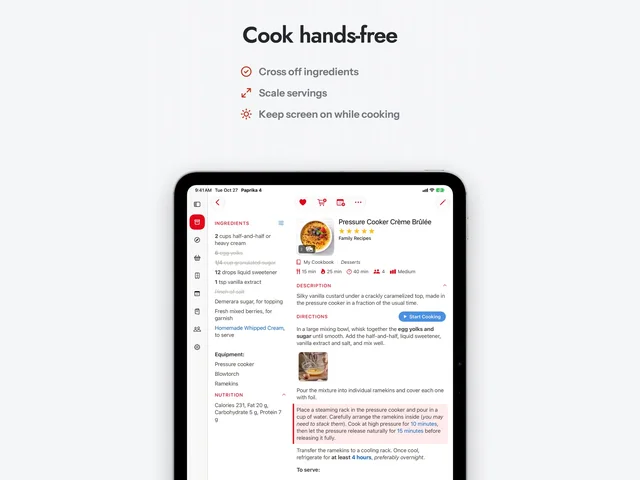
 PaprikaYour recipes, hands-free in the kitchen
On the couch$4.99 once
-
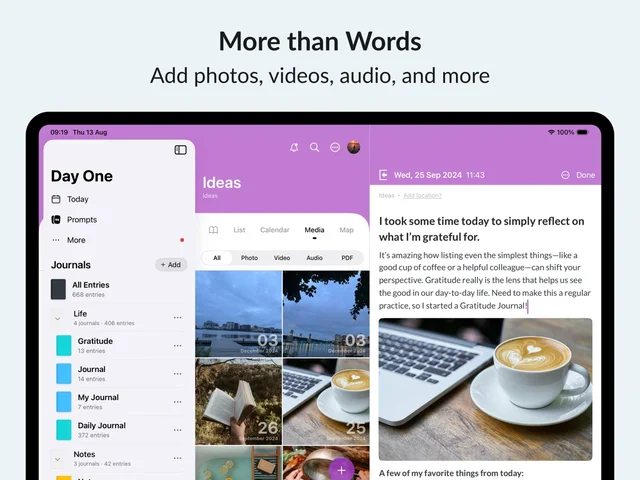
 Day OneA private journal, free on 1 device
On the couchFree to start
Built in, easy to miss7
Tap a card for the details.
Keep the menu bar showing
Multitasking & Gestures › Show and Hide Menu Bar offTurn off Automatically Show and Hide Menu Bar and it stays at the top, like on a Mac.
Attach the keyboard, run a shortcut
Shortcuts › Automation › KeyboardA new automation fires when you put the iPad on a Magic Keyboard or take it off. Open 2 apps side by side, or close everything.
Make Liquid Glass less see-through
Settings › Appearance › Liquid GlassA slider runs from clear to tinted. Slide toward tinted if menus are hard to read.
Safari sorts your tabs
Tab Overview › ••• › Organize TabsIn Tab Overview, Safari can group open tabs by topic for you.
Command-Space asks Siri
⌘ SpaceWith a keyboard attached, Command-Space opens Spotlight, which now answers like Siri too. Just type.
Handwrite in any text box
Settings › Apple Pencil › ScribbleWith Scribble on, write with Apple Pencil in any text field and it turns into typed text.
Windows piling up?
Multitasking & Gestures › Full Screen AppsiPadOS opens apps as windows. Pick Full Screen Apps to get 1 app at a time back.
Worth adding8
Apple Pencil Pro won't work with the base iPad (A16). That one takes Apple Pencil (USB-C).
Black Friday: Apple's own iPad gearAll Apple gear deals
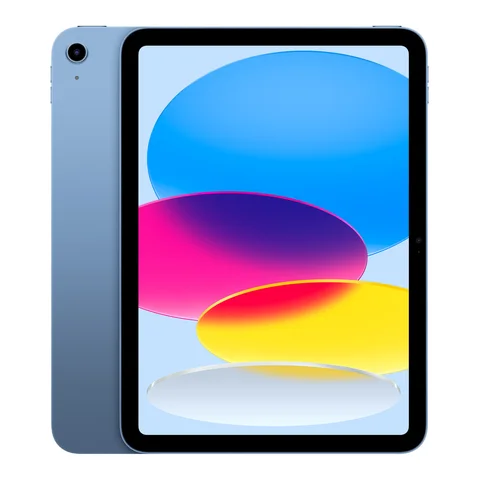
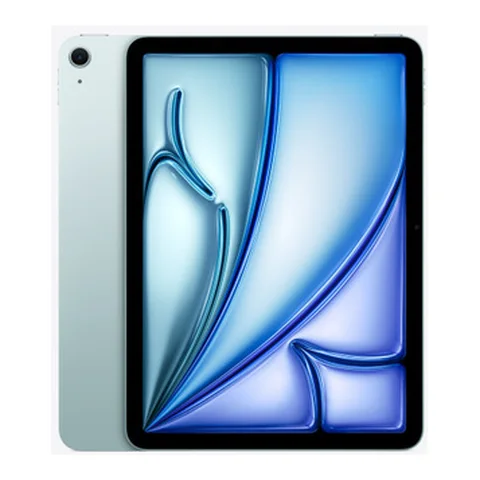
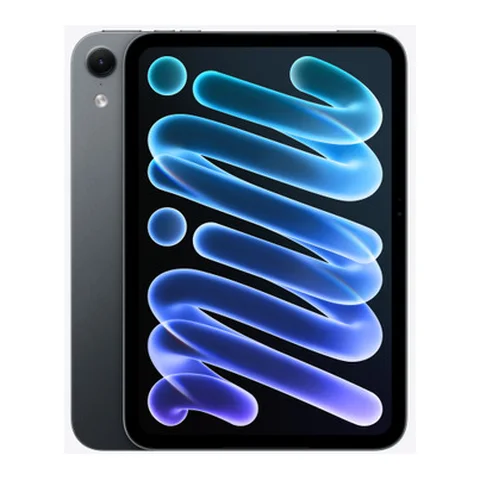
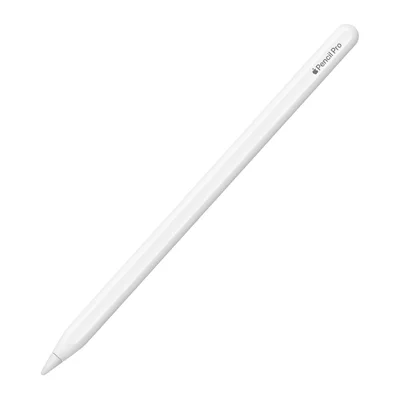 Apple Pencil ProSqueeze and roll, for newer iPadsAmazon
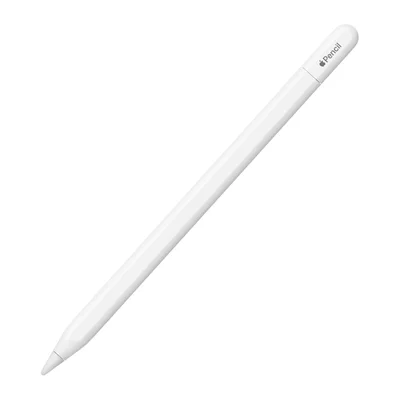 Apple Pencil (USB-C)The Pencil for the base iPadAmazon
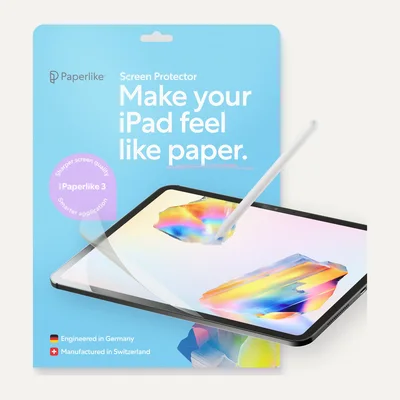 Paperlike 3 Screen ProtectorPaper feel for Pencil, 2 in the packAmazon
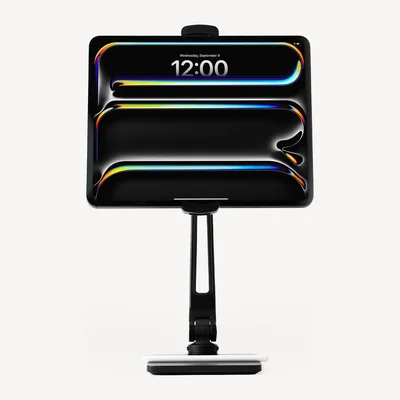 Twelve South HoverBar DuoHolds the iPad at eye level, anywhereAmazon
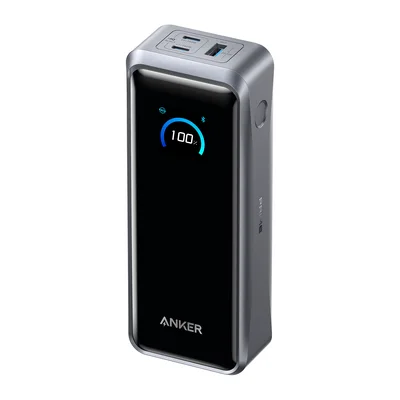 Anker Prime Power Bank (26K, 300W)Charges iPad and MacBook, allowed on planesAmazon
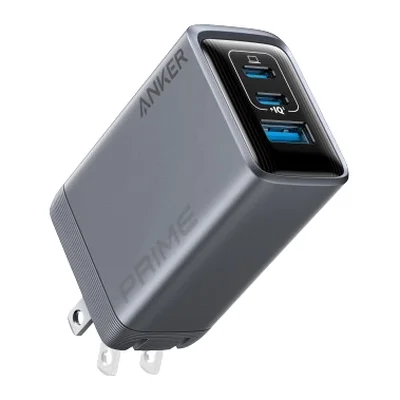 Anker Prime Charger (100W, 3 Ports)1 plug for iPad, iPhone and moreAmazon
 Samsung Portable SSD P7Fast storage for video and photosAmazon
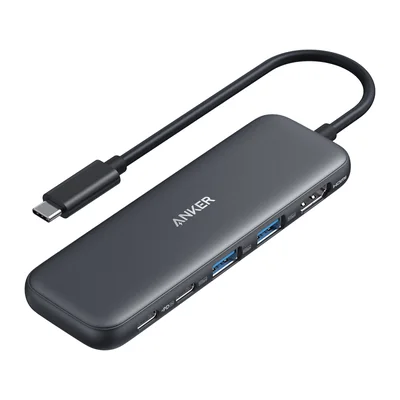 Anker 332 USB-C Hub (5-in-1)HDMI and USB-A from 1 USB-C portAmazon
As an Amazon Associate, The Useful Tech earns from qualifying purchases.
iPad questions
What apps should I install first on a new iPad?
1 app for each thing an iPad does best: Goodnotes or Procreate for Apple Pencil, PDF Expert or Craft for work on the big screen, and Paprika or Day One for the couch and kitchen.
Which Apple Pencil works with my iPad?
Apple Pencil Pro works with iPad Pro (M4 and later), iPad Air (M2 and later) and iPad mini (A17 Pro and A20 Pro). The base iPad (A16) works with Apple Pencil (USB-C) or the 1st-generation Pencil.
How do I stop apps opening as windows?
Open Settings > Multitasking & Gestures and pick Full Screen Apps. Windowed Apps and Stage Manager are the other 2 choices.
Can the iPad menu bar stay visible?
Yes, in iPadOS 27. In Settings > Multitasking & Gestures, turn off Automatically Show and Hide Menu Bar.
Is there a way to make Liquid Glass easier to read?
Yes. Settings > Appearance > Liquid Glass has a slider from clear to tinted.
Sources: Cult of Mac: best iPadOS 27 features that aren't AI · 9to5Mac: 2 new iPadOS 27 features · 9to5Mac: most impactful iPadOS 27 features · Apple Support: Apple Pencil compatibility · Apple Support: Stage Manager and multitasking modes · Zeera: iPad mini 8 Apple Pencil compatibility · Twelve South: HoverBar Duo