NewOut 13 Nov 2026 · $299
Best apps for Apple HomeView
HomeView has no App Store. Your iPhone brings the apps and widgets. These are the ones worth putting on it.
Put these 5 on it first
No App Store. Your iPhone brings these, and 13 Apple apps are built in.
No App Store. Your iPhone brings these, and 13 Apple apps are built in.Plays from your iPhone when it's nearby. Nothing to install.Any iPhone app with a CarPlay widget can show it here.-
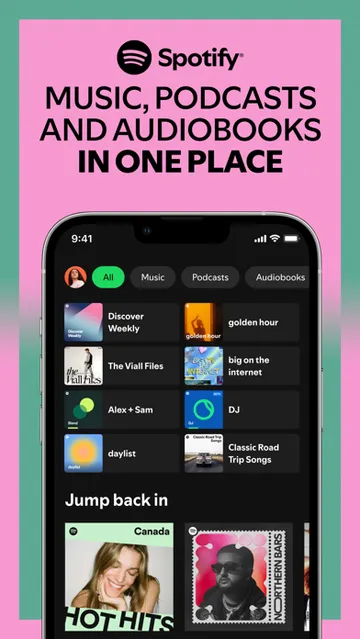
 SpotifyStreams from your iPhone, no install
From iPhoneFree to start
-
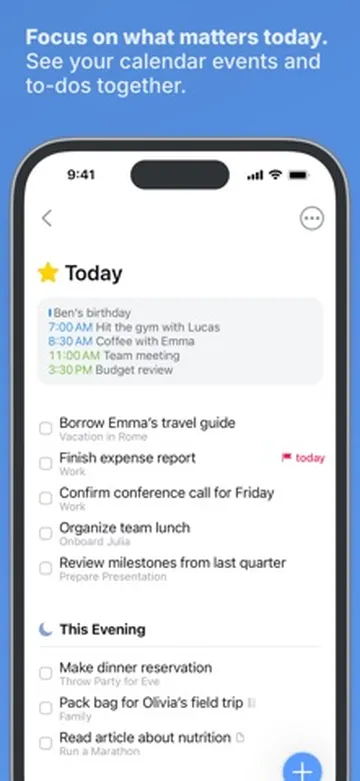
 Things 3Today's to-dos on the kitchen wall
WidgetsFrom $9.99
-
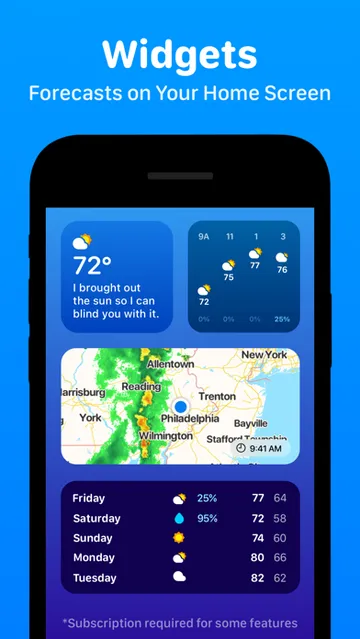
 CARROT WeatherThe forecast before you head out
WidgetsFree to start
-
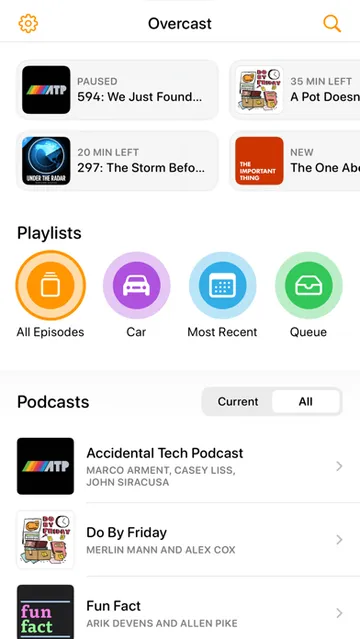
 OvercastPodcasts move to the speaker
From iPhoneFree to start
-
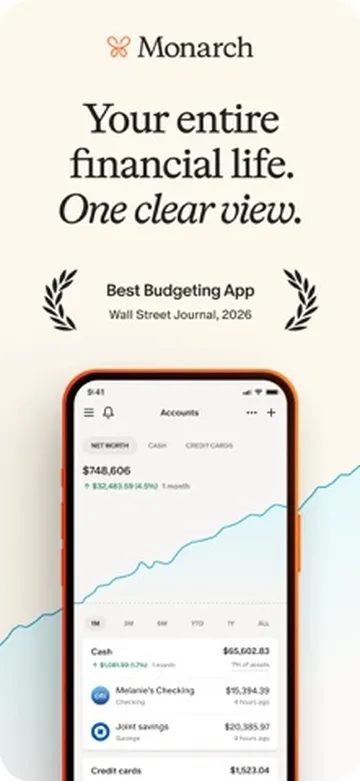
 Monarch MoneyThis month's spending, always on show
WidgetsFrom $14.99
Built in, easy to miss7
Tap a card for the details.
Hold your iPhone near it
Music and calls move overMusic, podcasts and calls jump to HomeView. Hold it near again to take them back.
Start Cooking
Safari recipe › Start CookingRecipes in Safari turn into step-by-step cards you follow hands-free.
It knows who's looking
Up to 6 people, each with their ownUp to 6 people. Each one gets their own calendar, messages and photos.
Watch-style faces
A Watch-style face when idleWhen nobody is using it, it shows a face you pick, like an Apple Watch.
9 cameras on 1 screen
Home Camera face, up to 9 feedsThe Home Camera face shows up to 9 camera feeds at once.
Siri for the whole house
Anyone at home can askAnyone at home can ask Siri AI questions, even without a new iPhone.
Pair it with iPhone, not iPad
With iPad, 3rd-party widgets stopWith an iPad, third-party audio, video and remote widgets don't work.
Worth adding7
Eve and Aqara gear uses Thread, so it needs a Thread border router like a HomePod mini or Apple TV 4K. The Meross plugs run on Wi-Fi.
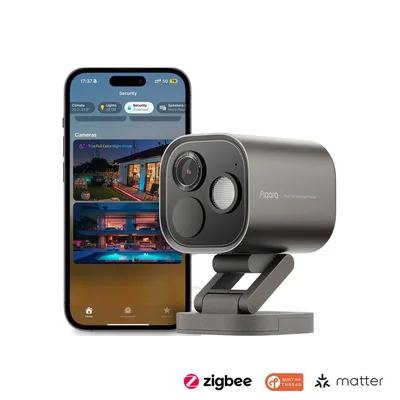 Aqara Camera Hub G5 ProSecure Video camera for the 9-camera faceAmazon
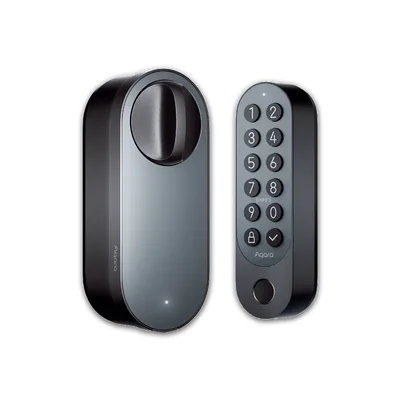 Aqara Smart Lock U200Apple Home Key lock, Matter over ThreadAmazon
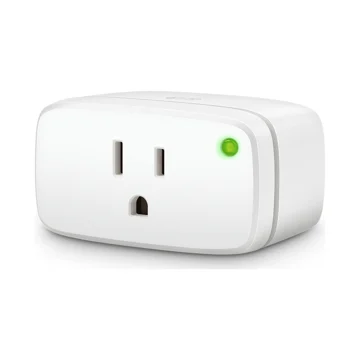 Eve Energy (Matter)Turns any lamp into a tapAmazon
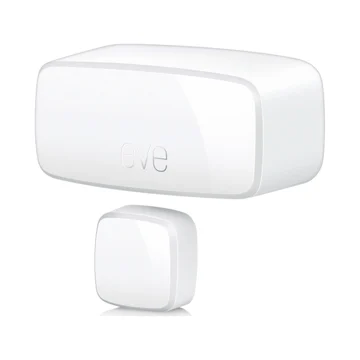 Eve Door & Window (Matter)See which doors and windows are openAmazon
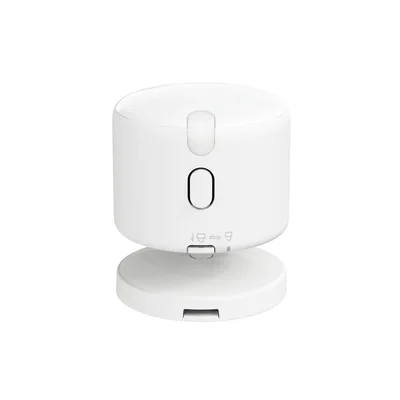 Aqara Presence Multi-Sensor FP300Knows when a room is really emptyAmazon
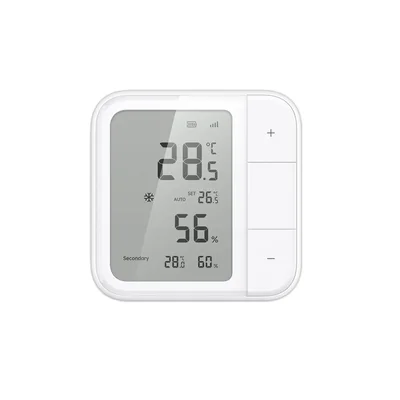 Aqara Climate Sensor W100Temperature and humidity per roomAmazon
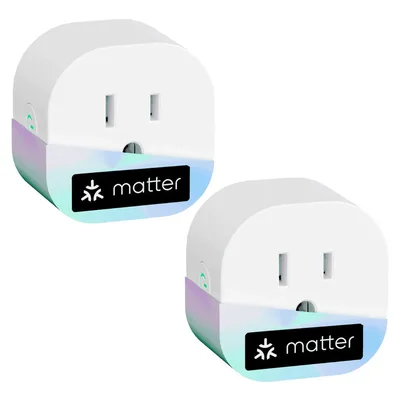 Meross Matter Plug Mini (2-pack)Wi-Fi Matter plugs, no Thread neededAmazon
As an Amazon Associate, The Useful Tech earns from qualifying purchases.
Who's using HomeView
- Jennifer Pattison TuohyMonarch Money, Things 3, Homey, Home AssistantHeard on Mac Power Users
- Stephen RoblesAnyListHeard on Mac Power Users
- Better CreatingReviewing the 7-inch Apple smart display with a built-in speakerWatch on YouTube
- AppleInsiderHubspace, Govee, Kia Companion, CARROT WeatherWatch on YouTube
HomeView questions
Does HomeView have an App Store?
No. It comes with 13 Apple apps. Third-party audio and video apps and widgets come from your paired iPhone.
Can I use Spotify on HomeView?
Yes, through your iPhone. Audio apps that work in CarPlay show up on HomeView with nothing to install.
Do iPhone widgets work on HomeView?
Yes. Any iPhone app with a CarPlay widget can show it on HomeView. With an iPad, remote widgets don't work.
What does HomeView need to work?
An iPhone on iOS 27.2 or later, or an iPad on iPadOS 27.2 or later.
Which smart home gear works with HomeView?
Anything that works with Apple Home or Matter. Thread gear also needs a Thread border router.
Sources: Apple: HomeView · Apple Support: App Unavailable on HomeView · 9to5Mac: HomeView shows widgets from your iPhone · Man of Many: HomeView tips · iThinkDiff: best HomeView accessories · MacRumors: HomeView guide · Mac Power Users 875