macOS 276 apps · 7 features
Best apps for MacBook
The apps that use what makes a MacBook a laptop: the notch, the battery and the screen. Plus the macOS 27 features most people miss.
Put these 6 on it first
1 app for each thing a MacBook does differently: the notch, the battery and the screen.
1 app for each thing a MacBook does differently: the notch, the battery and the screen.The strip at the top of the screen, around the camera.Keep the battery healthy and see how it's doing.A brighter, calmer screen to work on.-
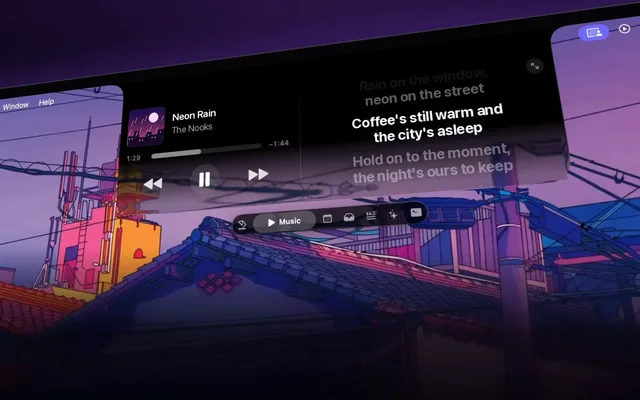
 NotchNookMusic, files and meetings under the notch
Notch$15 once
-
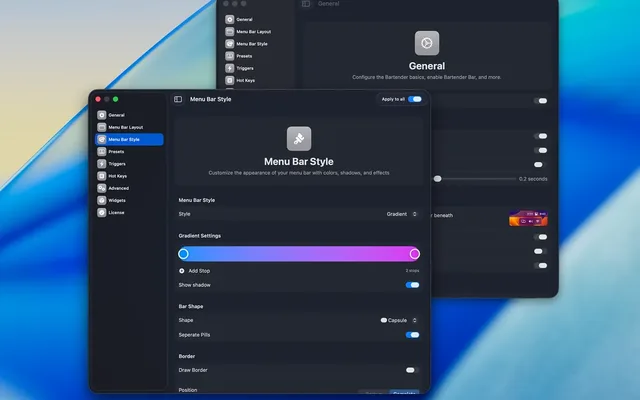
 BartenderBrings back the icons the notch hides
NotchFrom $20
-
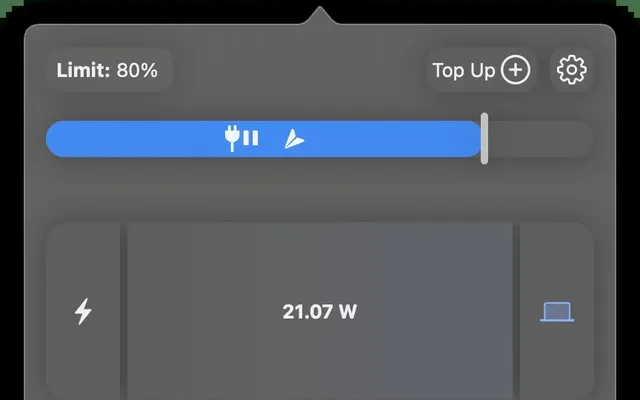
 AlDenteHeat protection on top of the charge limit
BatteryFree to start
-
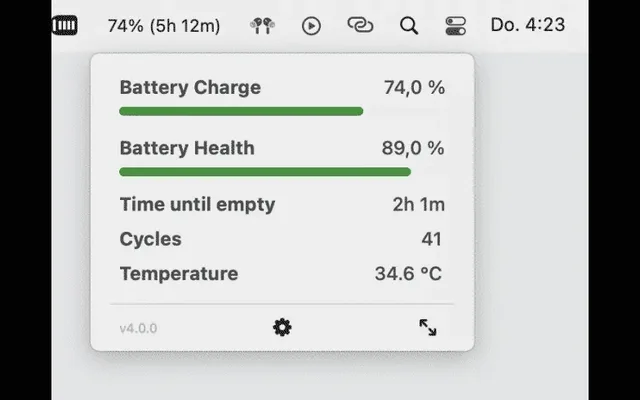
 coconutBatteryBattery health and cycle count at a glance
BatteryFree to start
-
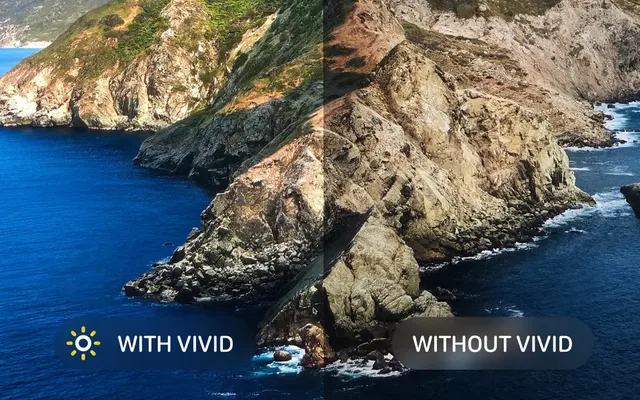
 VividBrighter than max on a MacBook Pro screen
Screen$9.99 once
-
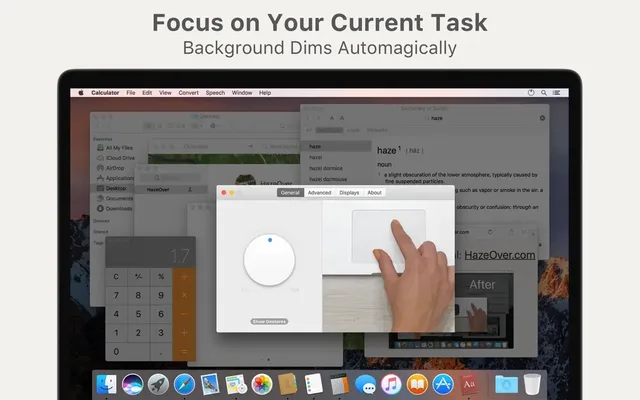
 HazeOverDims every window but the one you're in
Screen$4.99 once
Built in, easy to miss7
Tap a card for the details.
Cap the charge at 80%
Battery › Charging ⓘ › Charge LimitSystem Settings > Battery, click the i next to Charging, then drag Charge Limit. Pick anywhere from 80% to 100%.
Change the limit on a schedule
Shortcuts › Set Battery Charge LimitShortcuts has a Set Battery Charge Limit action. Run it as an automation: 80% on work days, 100% the night before a trip.
It warns you about slow chargers
Battery menu › Slow ChargerPlug into a weak charger and the battery menu says Slow Charger. Apple's minimum: 20W for MacBook Neo, 30W for a 13-inch Air, 67W for a 14-inch Pro.
Ask about anything on screen
⌘ ⇧ 6 › drag a boxPress Command-Shift-6 and drag a box. Siri can translate it, add the event to Calendar or answer a question about it.
A bigger iPhone window
iPhone Mirroring › drag a corneriPhone Mirroring resizes in macOS 27. Drag a corner to make it bigger. Some apps switch to an iPad or landscape layout.
Double-tap to fill the screen
Touch MacBook Pro › double-tap a windowOn the touch MacBook Pro, double-tap a window with your finger and it fills the screen. Pinch zooms photos too.
Battery drain after updating
Normal for 1 to 2 daysSpotlight and Photos re-index after a big macOS update, which can take 24 to 48 hours. Give it 2 days before you worry.
Worth adding9
The TS5 Plus and the P7 need Thunderbolt or USB4, which MacBook Neo doesn't have. The Anker hub works with every MacBook.
Black Friday: Apple's own MacBook gearAll Apple gear deals
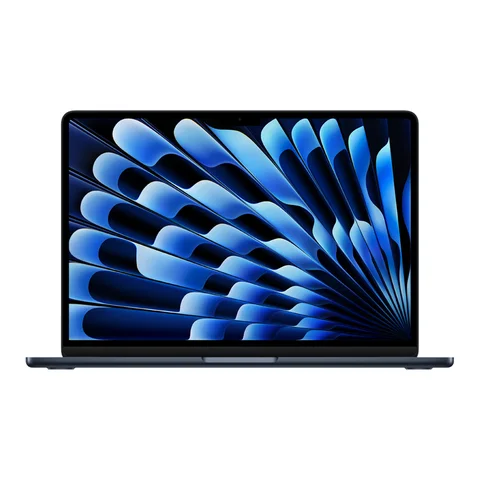
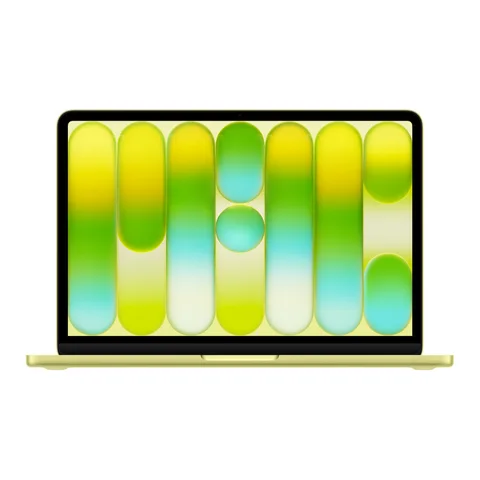
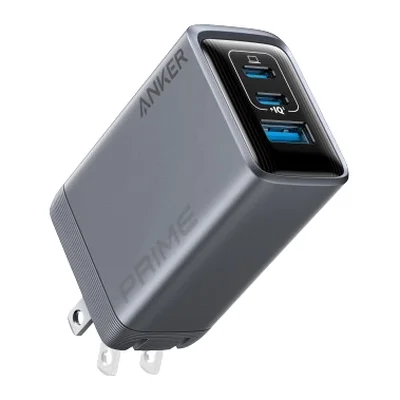 Anker Prime Charger (100W, 3 Ports)100W for the MacBook, 2 ports to spareAmazon
 Anker Prime Power Bank (26K, 300W)140W for a MacBook Pro, allowed on planesAmazon
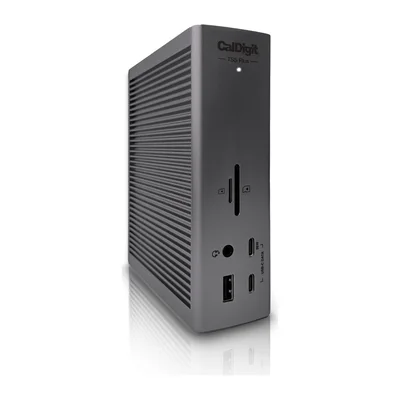 CalDigit TS5 Plus1 cable: 140W charging and 10 USB portsAmazon
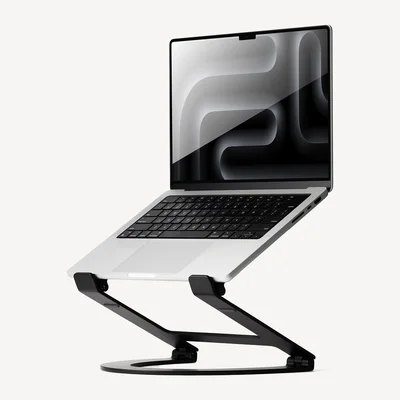 Twelve South Curve FlexRaises the screen, folds flat for travelAmazon
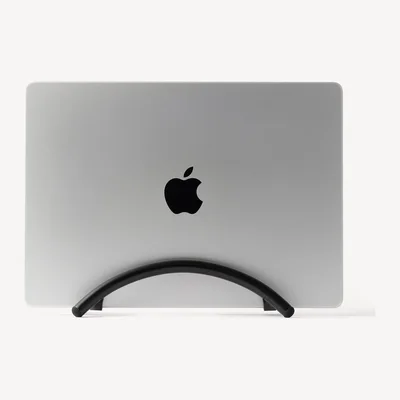 Twelve South BookArc FlexStands a closed MacBook up by your monitorAmazon
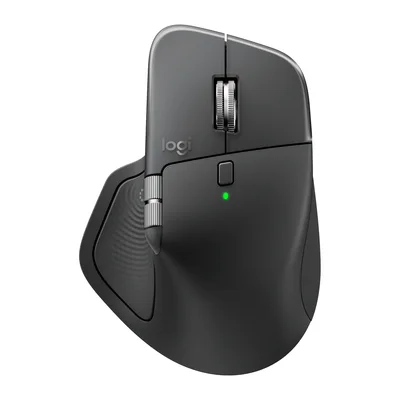 Logitech MX Master 4Haptic clicks and shortcuts at your cursorAmazon
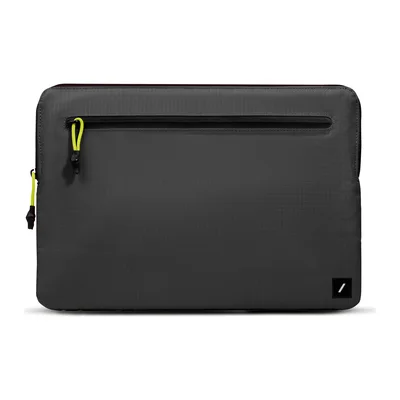 Native Union Ultralight SleeveLight ripstop sleeve with a front pocketAmazon
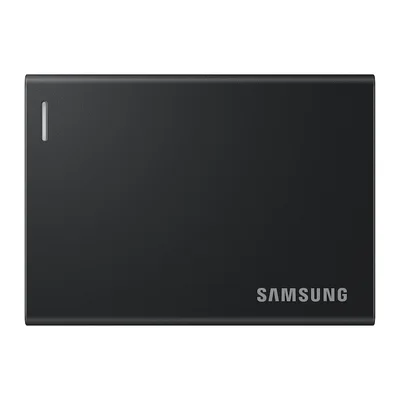 Samsung Portable SSD P7About 3,000MB/s on a Mac, pocket sizeAmazon
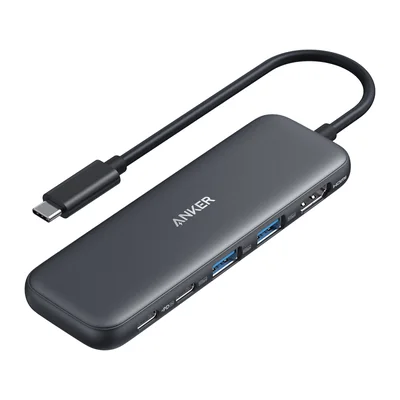 Anker 332 USB-C Hub (5-in-1)HDMI and USB-A for a 2-port MacBookAmazon
As an Amazon Associate, The Useful Tech earns from qualifying purchases.
MacBook questions
What apps should I install first on a new MacBook?
1 app for each part of the laptop: NotchNook or Bartender for the notch and menu bar, AlDente or coconutBattery for the battery, and Vivid or HazeOver for the screen.
Does macOS have a battery charge limit?
Yes, since macOS 26.4. Open System Settings > Battery, click the i next to Charging and set Charge Limit anywhere from 80% to 100%.
Do I still need AlDente?
Only for the extras. macOS handles the limit itself. AlDente adds draining down to the limit while plugged in, and Pro adds heat protection and Sailing Mode.
What charger does my MacBook need?
Apple's minimums are 20W for MacBook Neo, 30W for the 13-inch MacBook Air, 67W for the 14-inch MacBook Pro and 140W for the 16-inch. Anything slower shows Slow Charger in the battery menu.
Will a Thunderbolt dock work with MacBook Neo?
Not fully. MacBook Neo has 1 USB 3 port and 1 USB 2 port, no Thunderbolt, and runs 1 external display up to 4K at 60Hz. A simple USB-C hub suits it better.
Sources: MacRumors: macOS Golden Gate features to try first · 9to5Mac: 3 new battery features in macOS 26.4 · MacRumors: OLED MacBook Pro with touch display · Apple: MacBook Neo tech specs · Cult of Mac: Samsung P7 review · CalDigit: TS5 Plus · MacPaw: macOS Golden Gate battery drain