macOS 276 apps · 7 features
Best apps for Mac mini
A Mac mini brings no screen, keyboard or camera. These apps make yours work like Apple's, and turn the mini into a Mac that's always on.
Put these 6 on it first
1 app for each thing a Mac mini leaves to you: the monitor, the mouse and keyboard, and the jobs it runs all day.
1 app for each thing a Mac mini leaves to you: the monitor, the mouse and keyboard, and the jobs it runs all day.Make a non-Apple monitor behave like Apple's.Gestures and layouts for the mouse and keys you own.A quiet desktop that works while you're away.-
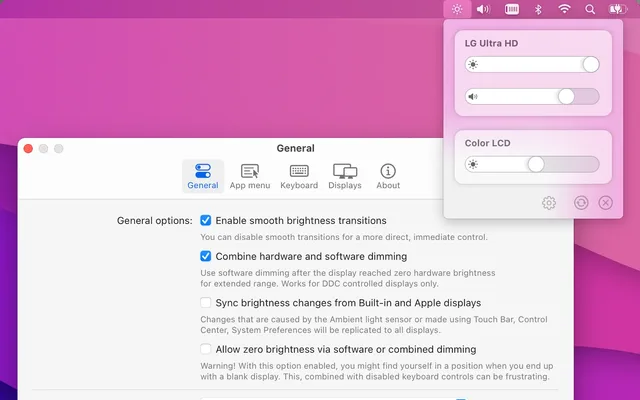
 MonitorControlBrightness and volume keys for any monitor
Your monitorFree, open source
-
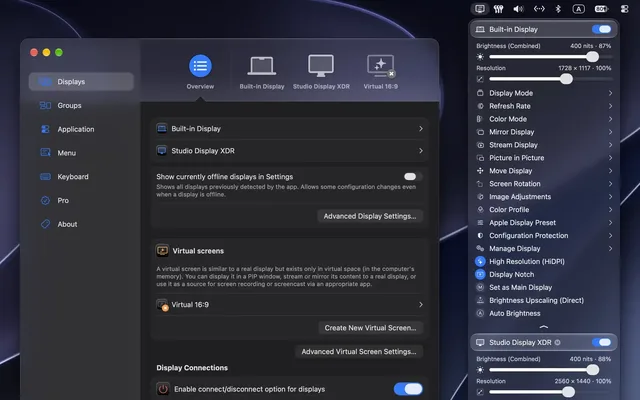
 BetterDisplayFixes fuzzy text on non-Apple monitors
Your monitorFree to start
-
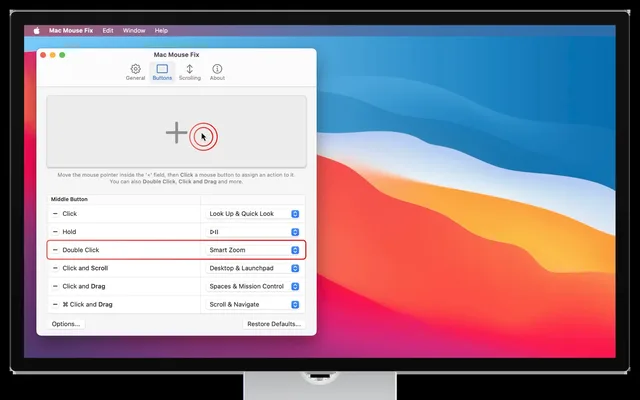
 Mac Mouse FixTrackpad gestures on any mouse
Mouse and keys$2.99 once
-
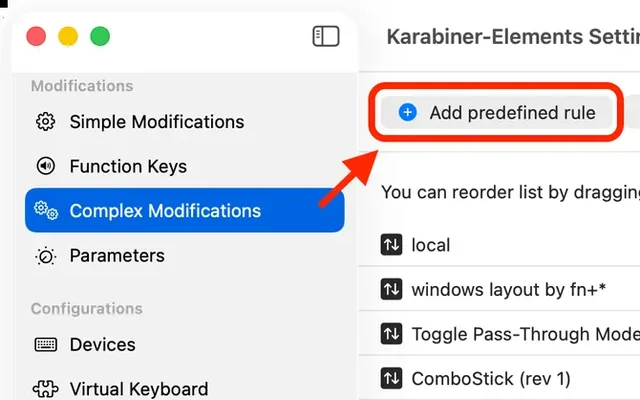
 Karabiner-ElementsRemap any key on any keyboard
Mouse and keysFree, open source
-
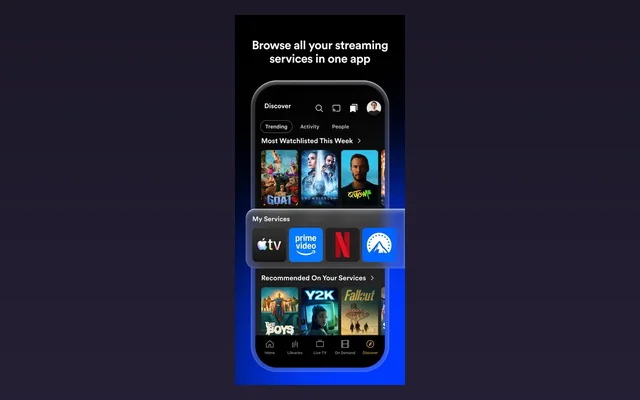
 PlexYour own streaming service, from the mini
Always onFree to start
-
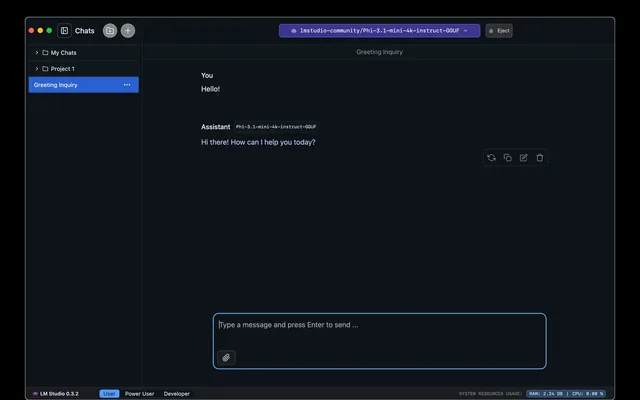
 LM StudioPrivate AI chat that runs on the mini
Always onFree
Built in, easy to miss7
Tap a card for the details.
Back on after a power cut
Energy › Start up after a power failureSystem Settings > Energy, turn on Start up automatically after a power failure. The mini comes back on when power returns.
Stays awake with the screen off
Energy › Prevent automatic sleepingSystem Settings > Energy, turn on Prevent automatic sleeping when the display is off. Downloads and Plex keep running.
Your iPhone is the webcam
Video app › Camera › your iPhoneThe mini has no camera. Put your iPhone near it and pick it from the camera menu in FaceTime, Zoom or any video app.
The power button is underneath
Underside › back cornerIt sits on the bottom, near the back corner. Tip the mini up a little and press it.
Use a PC keyboard properly
Keyboard › Keyboard Shortcuts › Modifier KeysSwap Command and Option so the keys sit where a Mac keyboard has them.
Windows remember their monitor
Automatic in macOS 27macOS 27 is better at putting windows back where you left them across 2 or more monitors.
Volume keys skip HDMI speakers
Fix: MonitorControl, freeSound through a monitor's speakers can't be turned up or down with your keys. MonitorControl or BetterDisplay fixes it.
Worth adding8
The Magic Keyboard with Touch ID works with every Mac mini that has an M-series chip.
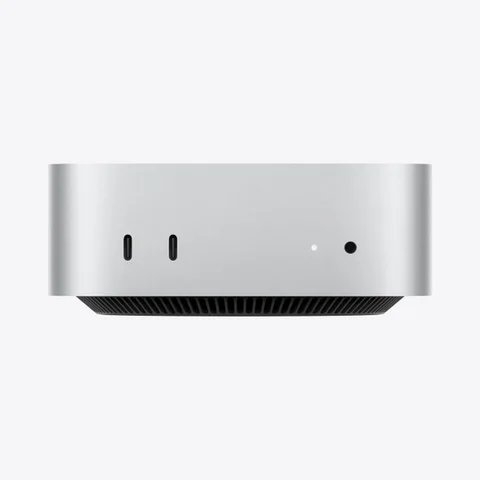
Black Friday: Apple's own Mac mini gearAll Apple gear deals
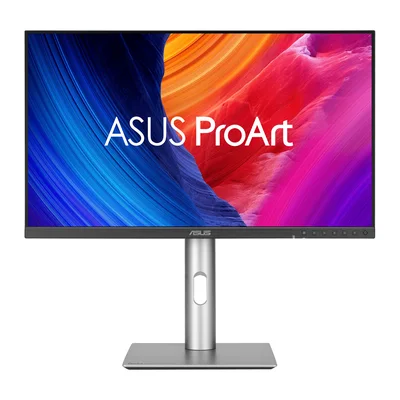 ASUS ProArt Display 5K (PA27JCV)27-inch 5K, as sharp as Apple's screenAmazon
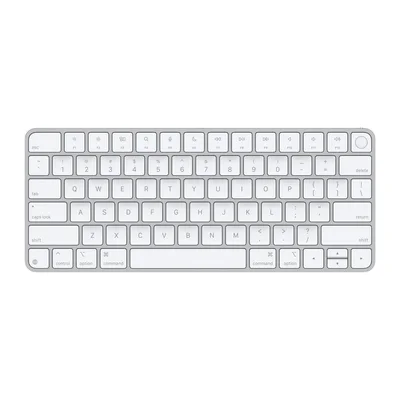 Apple Magic Keyboard with Touch IDAdds Touch ID to the Mac miniAmazon
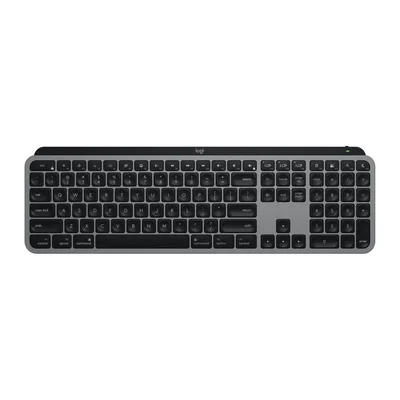 Logitech MX Keys S for MacFull-size, backlit, Mac layoutAmazon
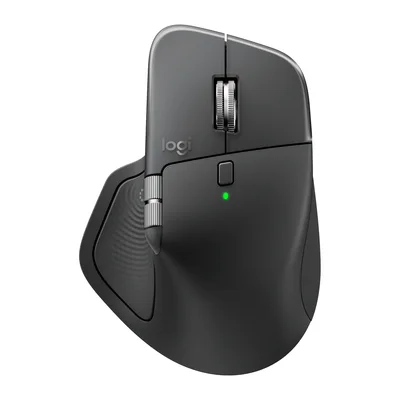 Logitech MX Master 4Haptic clicks and shortcuts at your cursorAmazon
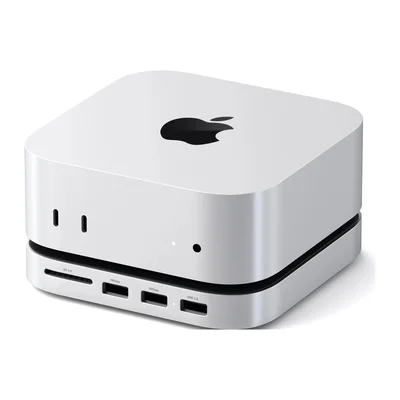 Satechi Mac mini Stand & Hub with SSD EnclosureSD, USB-A and an SSD slot under the miniAmazon
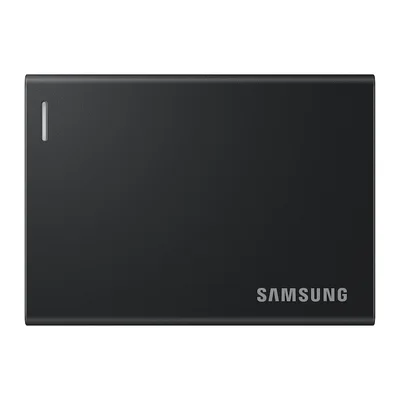 Samsung Portable SSD P7About 3,000MB/s on a Mac, pocket sizeAmazon
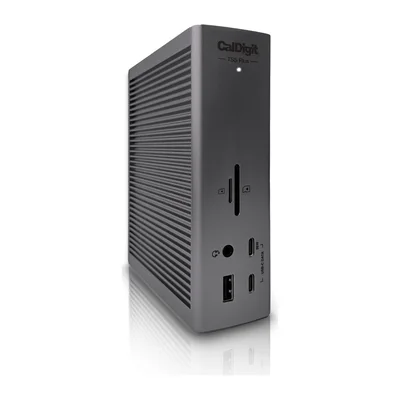 CalDigit TS5 Plus10 USB ports and 2 displays on 1 cableAmazon
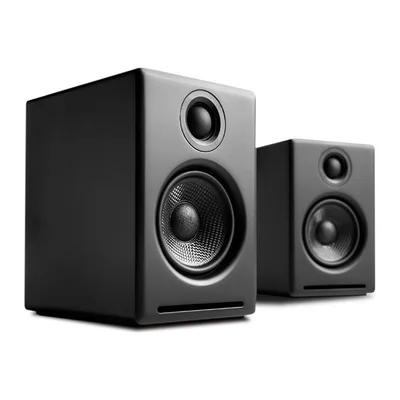 Audioengine A2+ WirelessUSB-C desk speakers, far better than built-inAmazon
As an Amazon Associate, The Useful Tech earns from qualifying purchases.
What creators run on their Mac mini
- Created By Today-HeyJump DesktopWatch on YouTube
- Better CreatingAlways-on desk machine, many ports, no dock needed, runs Claude CoworkWatch on YouTube
- Ali AbdaalPowers the whole desk setup, a few years oldWatch on YouTube
- David SparksTraded in M2 Mac Studio for M6 Mac mini, 32GB RAM, 1TB SSDHeard on Mac Power Users
Mac mini questions
What apps should I install first on a Mac mini?
1 app for each gap: MonitorControl or BetterDisplay for your monitor, Mac Mouse Fix or Karabiner-Elements for your mouse and keyboard, and Plex or LM Studio to put it to work all day.
Does the Mac mini have a webcam?
No. Continuity Camera uses your iPhone instead. Put it near the Mac and pick it as the camera in any video app.
How many monitors can a Mac mini run?
The M6 and M5 Pro Mac mini drive up to 3 external displays.
What ports does the M6 Mac mini have?
On the back: 3 Thunderbolt 4 ports, HDMI and Ethernet. On the front: 2 USB-C ports and a headphone jack. The M5 Pro model has Thunderbolt 5 instead.
Can a Mac mini run all the time as a home server?
Yes. In System Settings > Energy, turn on Prevent automatic sleeping when the display is off and Start up automatically after a power failure.
Sources: 9to5Mac: new Mac mini, everything new · iGeeksBlog: Mac mini M6 and M5 Pro specs · Apple Support: Energy settings on a Mac desktop · Cult of Mac: hidden macOS 27 features · Satechi: Mac mini Stand & Hub · ASUS: ProArt Display 5K PA27JCV