HomePod 27.26 apps · 7 features
Best apps for HomePod
The apps that make the most of HomePod: sound you start with Siri, more control over the home it runs, and the HomePod 27.2 features most people miss.
Put these 6 on it first
Sound you start by voice, and apps for the home HomePod runs.
Sound you start by voice, and apps for the home HomePod runs.Sounds and music that play on HomePod.Apps that get more out of the home HomePod runs.-
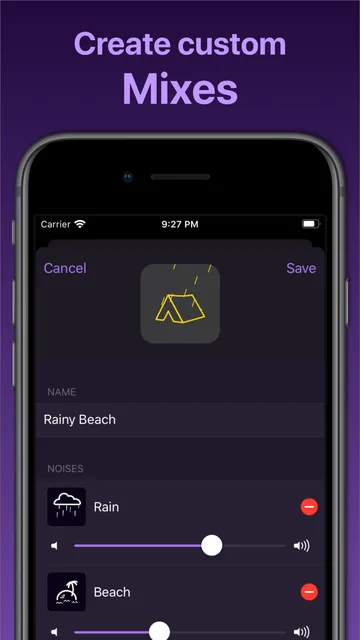
 Dark NoiseAsk Siri on HomePod for rain or brown noise
SoundFree to start
-
 DopplerYour own MP3 and FLAC files on HomePod
Sound$9 once
-
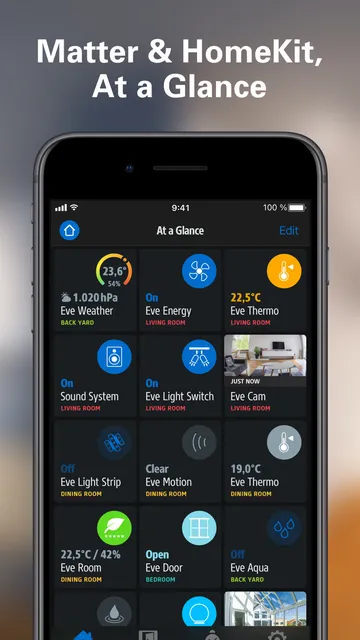
 Eve for Matter & HomeKitFree rules that react to your sensors
Home hubFree
-
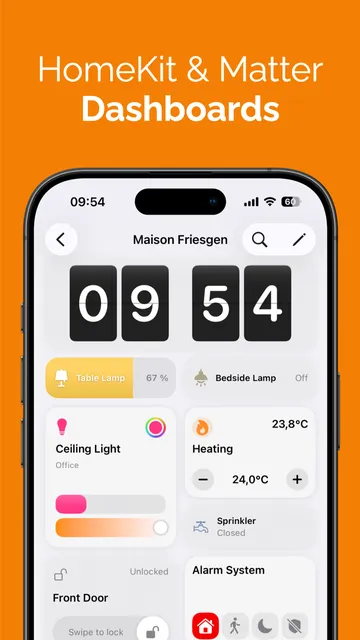
 Controller for HomeKitDashboards and backups for Apple Home
Home hubFrom $39.99
-
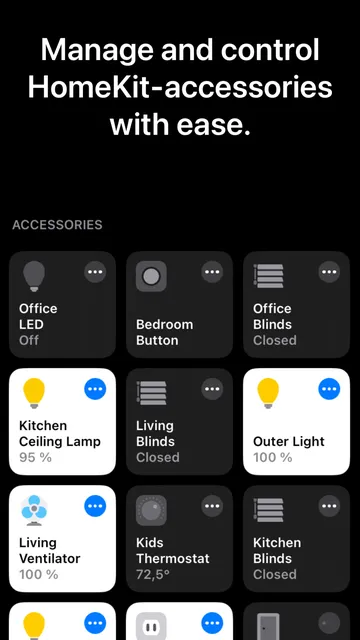
 Home+ 6Hidden settings and deeper automations, pay once
Home hub$14.99 once
-
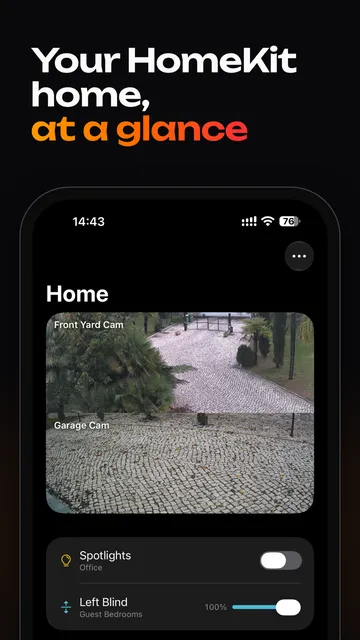
 ItsyhomeYour home in the Mac menu bar
Home hubFree to start
Built in, easy to miss7
Tap a card for the details.
Make the top glow with the music
Home › your HomePod › Accessory SettingsSound Glow lights the top in colors from the album art and pulses with the bass and treble. Pick a soundscape like rain for its own animation. It's off until you turn it on.
Lock the touch top
Accessory Settings › Lock ControlsLock Controls stops taps from pausing music or changing the volume. Timers, alarms, Intercom, Check In and FaceTime calls still respond. Works on every HomePod.
Make it your Mac's speaker
Mac › System Settings › Sound › OutputA HomePod mini 2 or HomePod (2nd generation), alone or as a stereo pair, stays your Mac's default output. The Mac needs Wi-Fi 6E or later, which means most Macs from 2023 on.
4 HomePods as surround sound
Apple TV › Video and Audio › Audio OutputApple TV 4K (4th generation) runs a front and a rear pair and tunes them to the room. Each pair must match, so 2 HomePods up front and 2 minis behind works.
Hear your smoke alarm from anywhere
Home Settings › Safety & Security › Sound RecognitionHomePod listens for your smoke or CO alarm and alerts your iPhone, iPad and Apple Watch. Tap the alert to check in and talk to whoever is home.
Start a fan when the room heats up
Home › Add Automation › A Sensor Detects SomethingHomePod mini 2 and HomePod (2nd generation) measure temperature and humidity, so an automation can switch on a fan or a humidifier for you.
Siri AI isn't on HomePod yet
Coming in a later updateApple says Siri AI comes to HomePod mini 2 in a later software update, in English first. Until then it runs the Siri you already know.
Worth adding8
Thread gear needs a Thread border router. HomePod mini, HomePod mini 2 and HomePod (2nd generation) have one built in, so these Eve and Aqara devices need no extra hub to work with Apple Home.
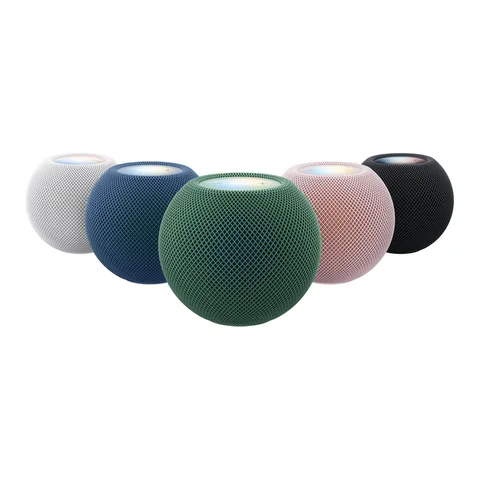
Black Friday: Apple's own HomePod gearAll Apple gear deals
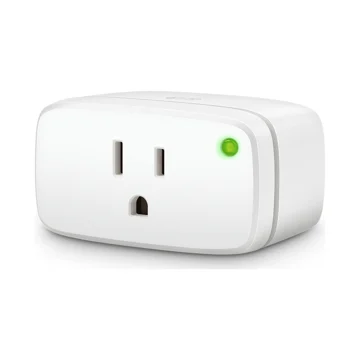 Eve Energy (Matter)Any lamp becomes a Siri switchAmazon
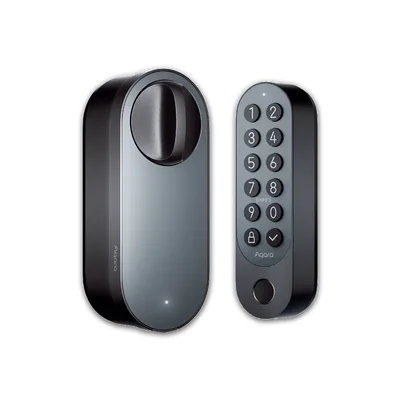 Aqara Smart Lock U200Apple Home Key lock on ThreadAmazon
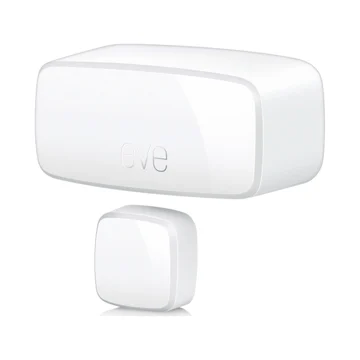 Eve Door & Window (Matter)Know which doors are openAmazon
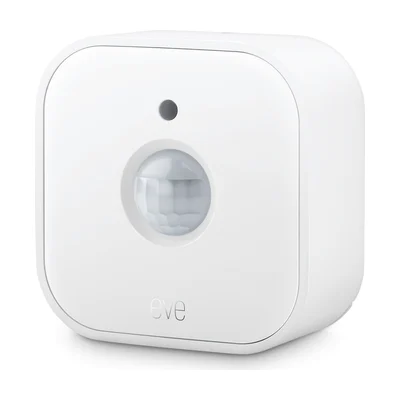 Eve Motion (Matter)Lights on when you walk inAmazon
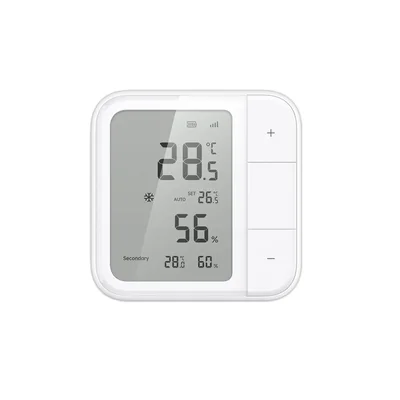 Aqara Climate Sensor W100Temperature for every other roomAmazon
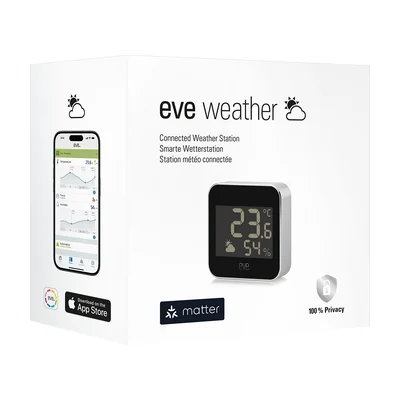 Eve Weather (Matter)Outdoor temperature and humidityAmazon
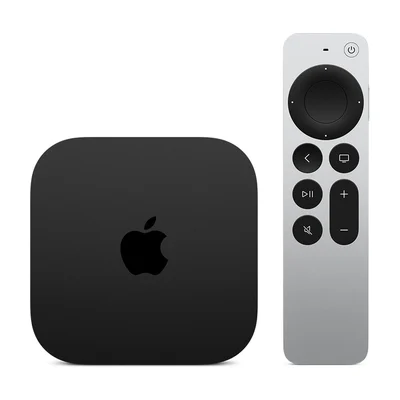 Apple TV 4K (4th generation)Runs 4 HomePods as surroundAmazon
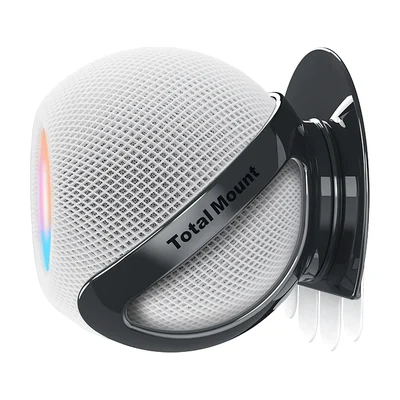 TotalMount for HomePod miniWall mount for a HomePod miniAmazon
As an Amazon Associate, The Useful Tech earns from qualifying purchases.
How creators use HomePod and Apple Home
- Better CreatingHomePod 2 as desk speakers with an Apple TVWatch on YouTube
- Payette ForwardHomeKit turns his lights off when his phone plugs into the carWatch on YouTube
- Jennifer Pattison TuohyRuns Apple Home next to Home Assistant and HomeyHeard on Mac Power Users
- Ali AbdaalWarm Hue scenes in the evening, bedroom tooWatch on YouTube
HomePod questions
What apps should I install for HomePod?
Most apps reach HomePod through your iPhone. Start with Dark Noise and Doppler for sound, then Eve, Controller for HomeKit or Home+ 6 to get more out of the smart home it runs.
How do I turn on Sound Glow?
Update to HomePod software 27.2, open the Home app, touch and hold your HomePod, tap Accessory Settings and turn on Sound Glow. It works on HomePod mini, HomePod mini 2 and HomePod (2nd generation).
Can I use a HomePod as my Mac's speaker?
Yes. A HomePod mini 2 or HomePod (2nd generation), or a stereo pair, can be the default output on a Mac with Wi-Fi 6E or later on macOS 27.2. Pick it in System Settings › Sound › Output.
Which HomePods work for surround sound?
You need Apple TV 4K (4th generation) and 4 HomePod mini 2 or HomePod (2nd generation) speakers. Front and rear pairs must each match, and the original HomePod mini can't join.
Does HomePod mini 2 have Siri AI?
Not yet. Apple says Siri AI arrives on HomePod mini 2 in a later software update, in English first in the US, Australia, Canada and other countries.
Sources: 9to5Mac: HomePod 27.2 is out with 4 new features · Apple: HomePod mini 2 · Cult of Mac: HomePod as your Mac's speaker · iDrop News: setting up 4 HomePods · Apple: smoke and CO alarm alerts · Apple: HomePod mini 2 specs · Controller for HomeKit: pricing