iOS 276 apps · 7 features
Best apps for iPhone
The apps that use what your iPhone does best: widgets, Live Activities and the Action button. Plus the iOS 27 features most people miss.
Put these 6 on it first
1 app for each thing your iPhone does best.
1 app for each thing your iPhone does best.Home Screen and Lock Screen. Some fill a whole page in iOS 27.Stays on the Lock Screen and in the Dynamic Island until done.1 press of the Action button, or a tap in Control Center.-
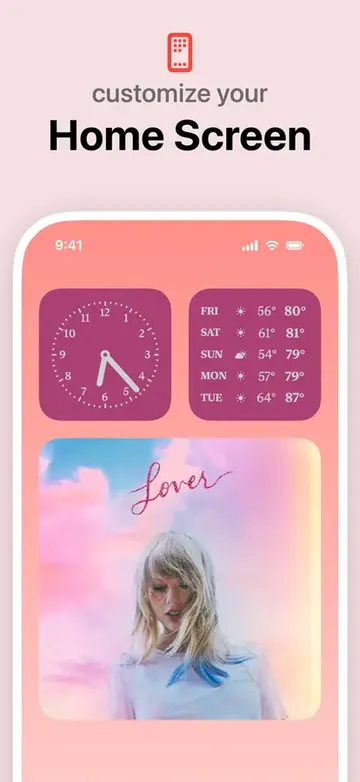
 WidgetsmithSwaps widgets by time of day
WidgetsFree to start
-
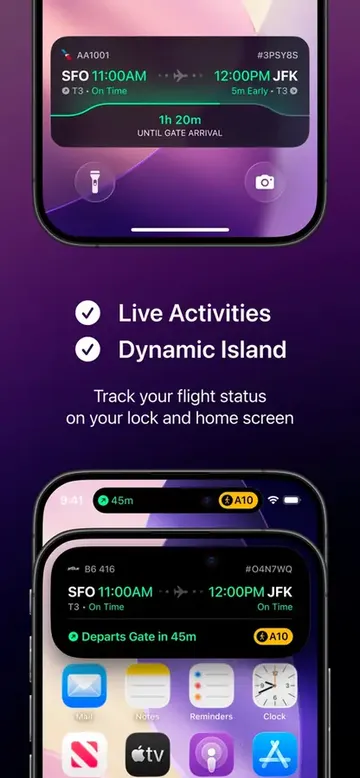
 FlightyYour flight, live on the Lock Screen
Live ActivitiesFree to start
-
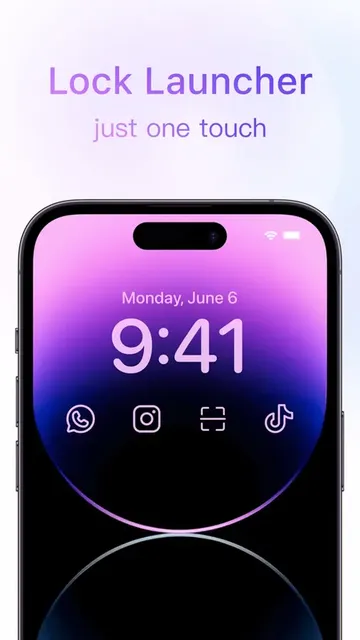
 Lock LauncherAny app 1 tap from the Lock Screen
Action buttonFree to start
-
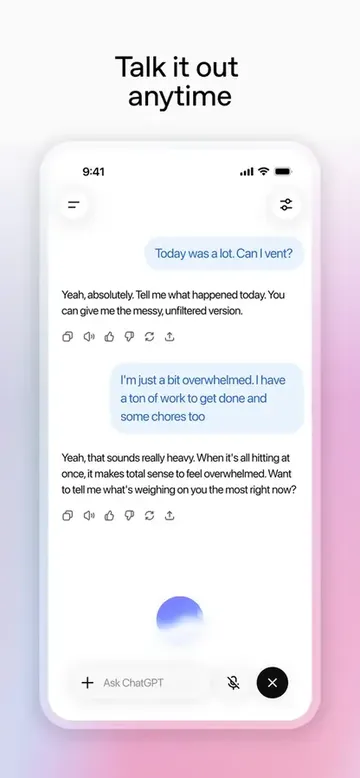
 ChatGPTChatGPT voice on the Action button
Action buttonFree to start
-
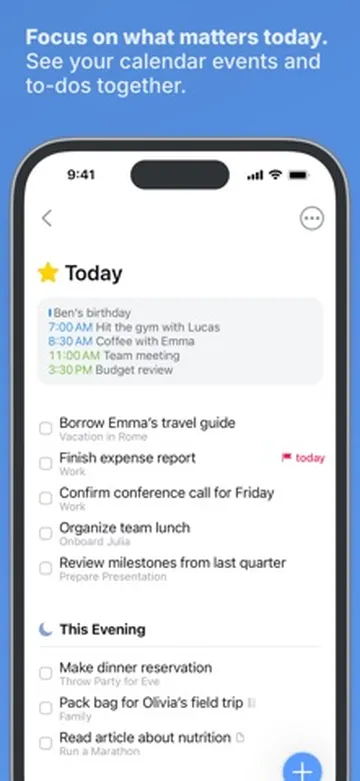
 Things 3Today's to-dos on your Home Screen
WidgetsFrom $9.99
-
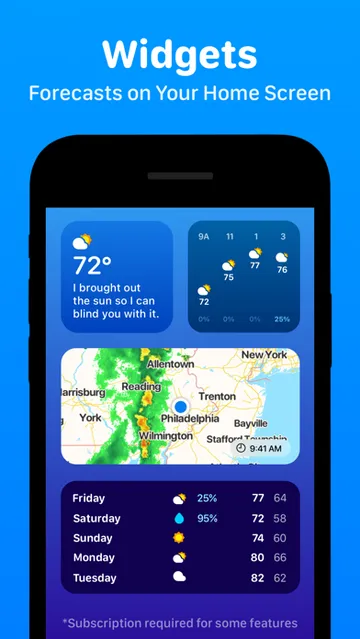
 CARROT WeatherForecast widgets (Premium) with a snarky robot
WidgetsFree to start
Built in, easy to miss7
Tap a card for the details.
Save a frame as a photo
Photos › ••• › Save Video Frame as PhotoPlaying a video in Photos, tap ••• and Save Video Frame as Photo. Full resolution, no screenshot.
Only photos you took
Collections › Utilities › Captured by MePhotos > Collections > Utilities > Captured by Me hides WhatsApp saves and screenshots.
Alarm volume on its own
Sound & Haptics › Match Ringtone Volume offSettings > Sound & Haptics, turn off Match Ringtone Volume. Loud alarms, quiet ringtone.
Make your own Wallet pass
Wallet › + › Create a PassWallet > + > Create a Pass turns a gym card or paper ticket into a pass.
Safari watches a page for you
Safari page menu › Notify MeTap the page menu > Notify Me, say what to watch for, and pick hourly, weekly or monthly.
No more accidental voice notes
Messages › Show in Text Field › NoneSettings > Apps > Messages > Show in Text Field. Pick Dictation or None.
Connectivity Assist uses data
Settings › Wi-Fi › Connectivity AssistIt mixes mobile data into weak Wi-Fi. 1 tester saw about 300MB in 2 days. Settings > Wi-Fi.
Worth adding10
The 40W adapter has no cable in the box. MagSafe needs a 30W or bigger adapter for 25W.
Black Friday: Apple's own iPhone gearAll Apple gear deals
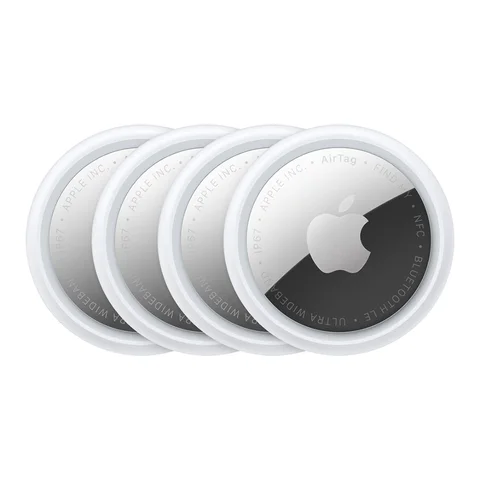 AirTag 4-packKeys, bags and suitcases on Find MyApple price$99Today's price on Amazon
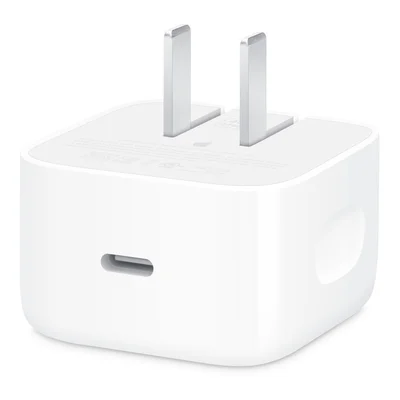 Apple 40W Dynamic Power AdapterCharges an iPhone 18 Pro to 50% in about 15 minutesApple accessoryToday's price on Amazon
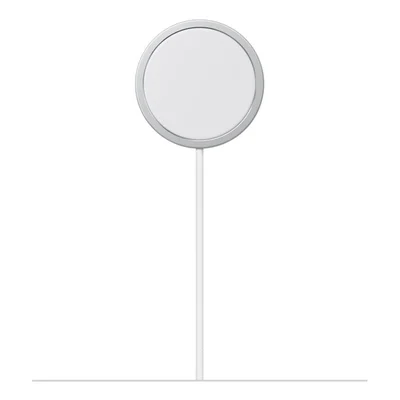 Apple MagSafe Charger (25W)Snap-on charging, 25W with a 30W adapterApple accessoryToday's price on Amazon
- Apple 40W Dynamic Power Adapter50% in about 15 minutes with a cableAmazon
- Apple MagSafe Charger (25W)Snap-on, 25W with a 30W adapterAmazon
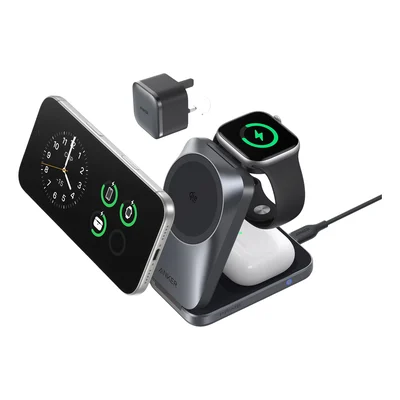 Anker Prime 3-in-1 Foldable (Qi2.2)iPhone, Watch and AirPods. Folds flat.Amazon
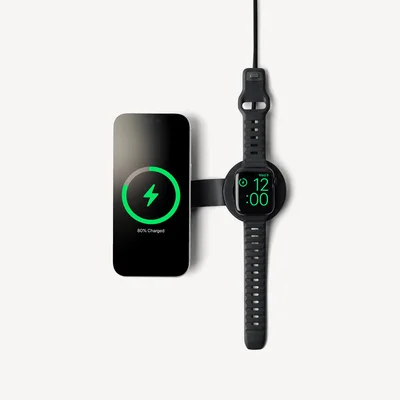 Twelve South ButterFly SE 25WiPhone and Watch, folds for travelAmazon
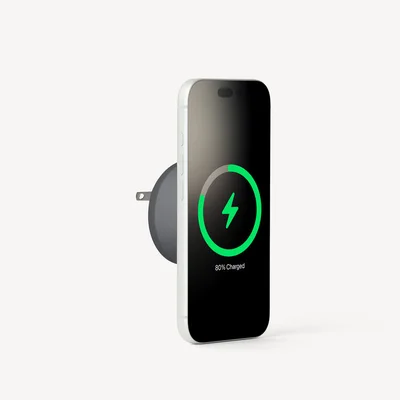 Twelve South PowerBug 25W (Qi2.2)Plugs into the wall, holds your iPhoneAmazon
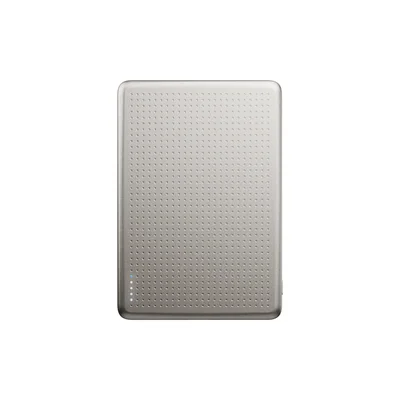 Native Union Active Power Bank (Magnetic)5,000mAh, snaps on the backAmazon
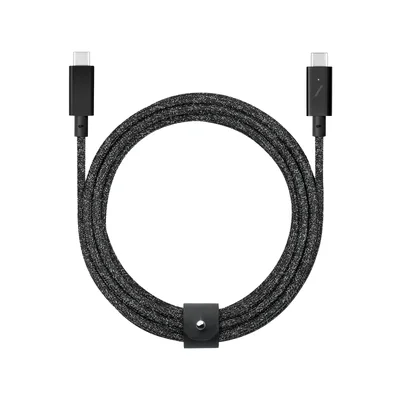 Native Union Belt Cable Pro 240W1 USB-C cable for every deviceAmazon
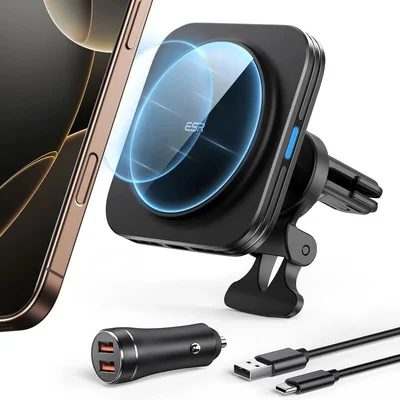 ESR HaloLock Magnetic Car ChargerVent mount that charges as you driveAmazon
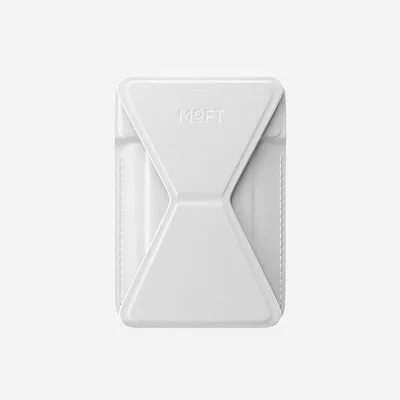 MOFT Snap-on Phone Stand & WalletCard wallet that turns into a standAmazon
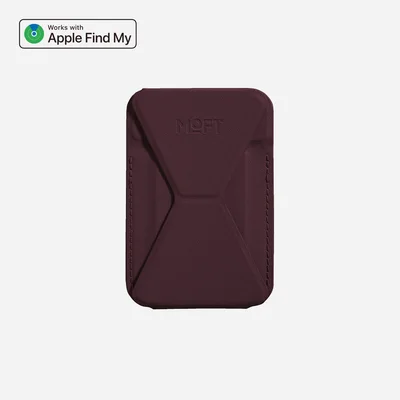 MOFT Trackable Phone Stand & WalletWallet stand with Find My built inAmazon
As an Amazon Associate, The Useful Tech earns from qualifying purchases.
iPhone questions
What apps should I install first on a new iPhone?
Start with 1 app per feature your iPhone has: Widgetsmith for widgets, Flighty for Live Activities, Lock Launcher or ChatGPT for the Action button, Things 3 for to-dos and CARROT Weather for the forecast.
Which apps work with the Action button?
Any app that offers a Shortcut or a control. Set it in Settings > Action Button, then pick Controls or Shortcut.
What iOS 27 features do people miss?
Saving a video frame as a photo, Captured by Me in Photos, a separate alarm volume, custom Wallet passes and Notify Me in Safari.
Is MagSafe or a cable faster?
A USB-C cable with Apple's 40W Dynamic Power Adapter is fastest. A 25W MagSafe charger gets to 50% in about 30 minutes and is easier to use every day.
Does iPhone work with HomeView?
Yes. HomeView needs an iPhone on iOS 27.2 or later, and it shows your iPhone's audio apps and widgets.
Sources: Tom's Guide: 12 hidden iOS 27 features · Tom's Guide: 11 iOS 27 hidden features · 9to5Mac: best iPhone 18 Pro accessories · Anker: Prime Wireless Charging Station · Best Buy: Apple MagSafe Charger (1 m)