watchOS 276 apps · 7 features
Best apps for Apple Watch
The apps that use what your Apple Watch does best: a glance at your wrist, your sleep and your workouts. Plus the watchOS 27 changes most people miss.
Put these 6 on it first
1 app for each thing your watch does best: a glance, your sleep and your workouts.
1 app for each thing your watch does best: a glance, your sleep and your workouts.Read it on the face or in the Smart Stack, no app to open.Wear it to bed, get a score in the morning.Maps and heart rate on your wrist, iPhone optional.-
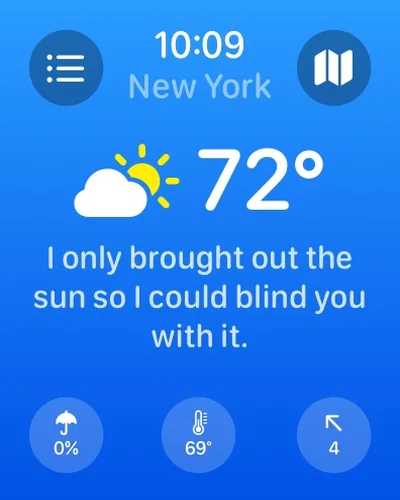
 CARROT WeatherForecast complications (Premium) with snark
At a glanceFree to start
-
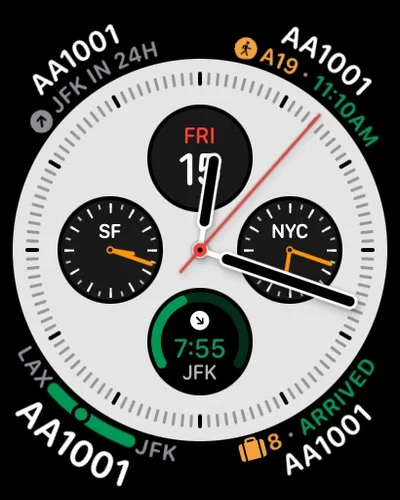
 FlightyYour next flight on the watch face
At a glanceFree to start
-
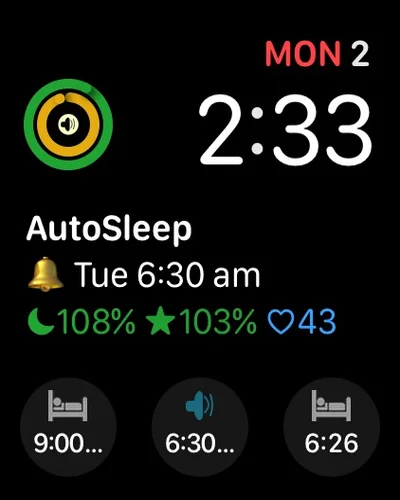
 AutoSleepSleep tracking with nothing to press
Sleep and recovery$9.99 once
-
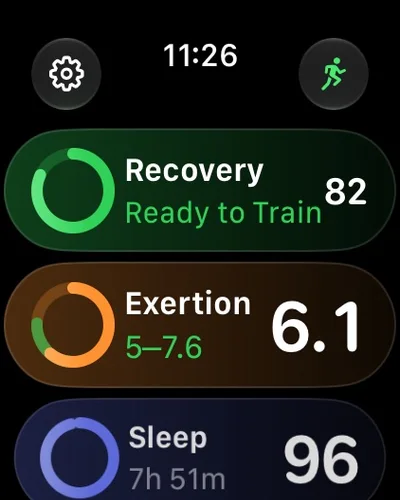
 AthlyticA recovery score every morning
Sleep and recoveryFrom $4.99
-
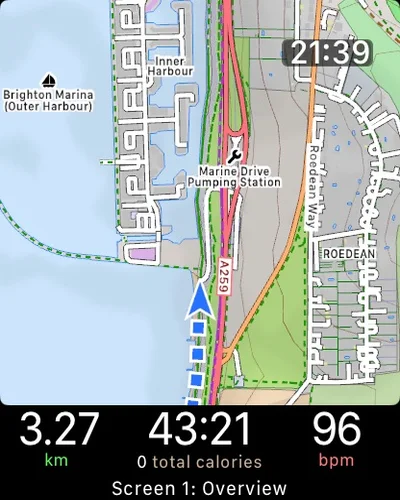
 WorkOutDoorsOffline trail maps on your wrist
Workouts$8.99 once
-
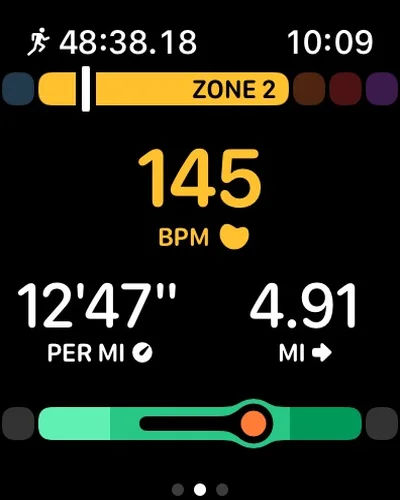
 Gentler StreakActivity goals that adapt to how you feel
WorkoutsFree to start
Built in, easy to miss7
Tap a card for the details.
Tap once to use a widget
Double tap › single tapDouble tap opens the Smart Stack. In watchOS 27 a single tap opens the widget you're on, like starting a workout or pausing music.
Find your iPhone with arrows
Find My › your iPhone › FindPrecision Finding on the watch points you to a paired iPhone, an AirTag 2 or AirPods Pro 3.
The full app grid is 1 swipe away
Digital Crown › swipe upPressing the Digital Crown now shows 6 suggested apps. Swipe up from there for every app.
Pick when it returns to the clock
Settings › General › Return to ClockChoose Always, After 2 minutes or After 1 hour, and set a different time for any app.
Workout Buddy without your iPhone
Workout › Workout BuddySpoken pace, distance and progress during a workout now work with the iPhone left at home.
Battery tips you can say no to
Notification › keep it onwatchOS 27 can switch off features you never use. A notice tells you first, and you can keep them on.
Double-click no longer switches apps
Changed in watchOS 27Double-clicking the Digital Crown used to jump to your last app. In watchOS 27 it opens the app grid instead.
Worth adding8
Fast charging needs a recent watch (Series 7 or later, or any Ultra), Apple's fast charger and a 20W or bigger USB-C adapter.
Black Friday: Apple's own Apple Watch gearAll Apple gear deals
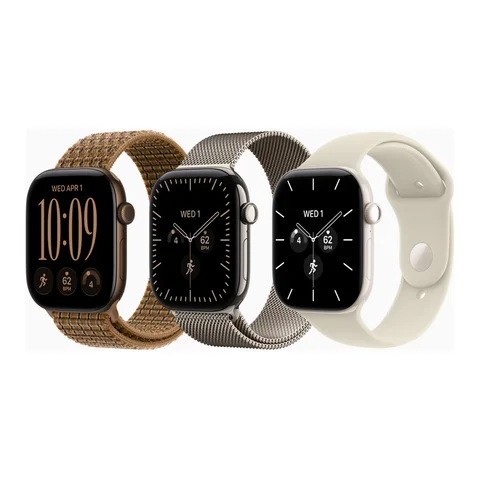
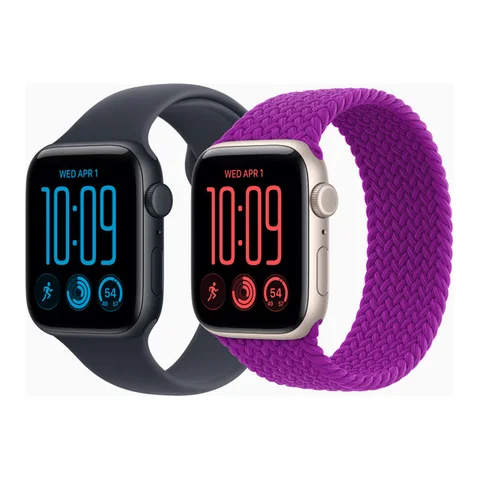
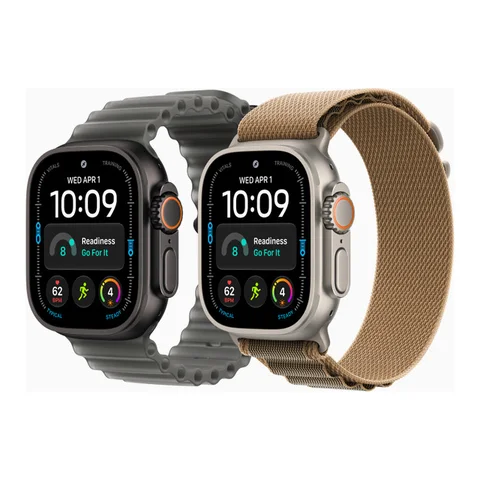
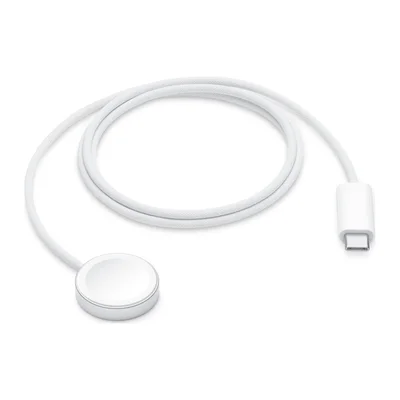 Apple Watch Magnetic Fast Charger (USB-C)Apple's fast charger, woven cableAmazon
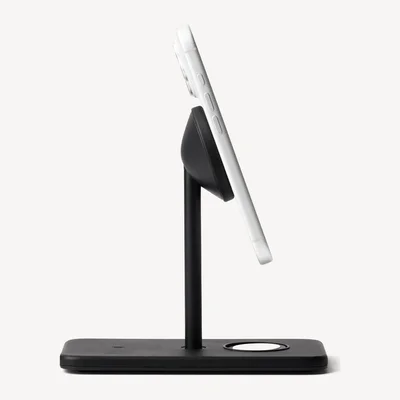 Twelve South HiRise 3 Deluxe3-in-1 nightstand with Watch fast chargingAmazon
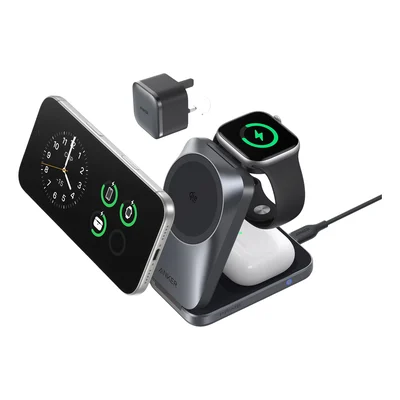 Anker Prime 3-in-1 Foldable (Qi2.2)iPhone, Watch and AirPods. Folds flat.Amazon
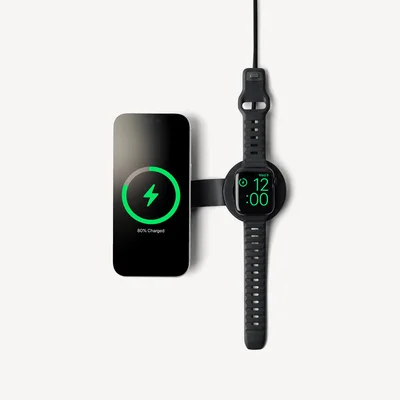 Twelve South ButterFly SE 25WiPhone and Watch, folds for travelAmazon
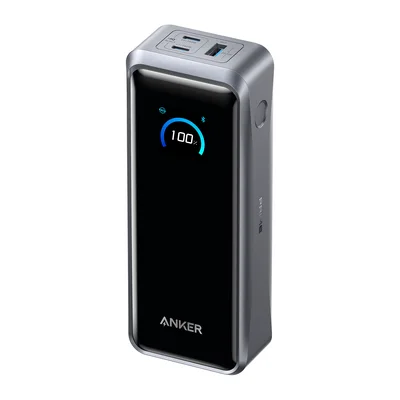 Anker Prime Power Bank (26K, 300W)Charges your watch and phone on a tripAmazon
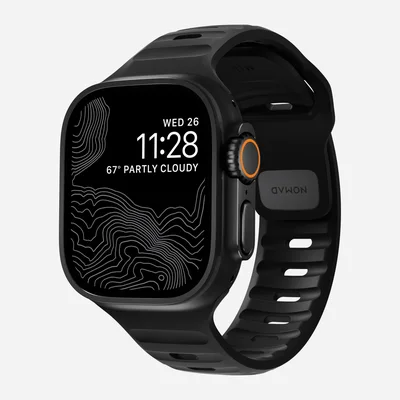 Nomad Sport BandWaterproof band for workouts and every dayAmazon
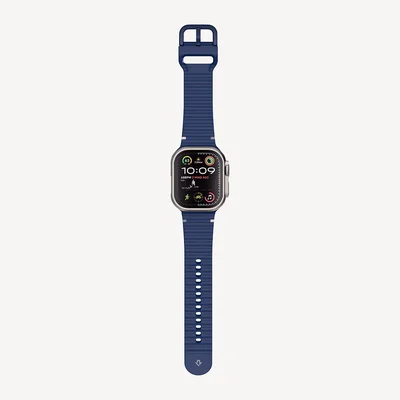 Twelve South Apple Watch BandSoft silicone, easy to cleanAmazon
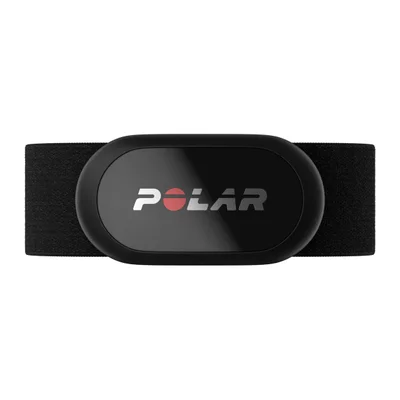 Polar H10 Heart Rate SensorChest-strap heart rate over BluetoothAmazon
As an Amazon Associate, The Useful Tech earns from qualifying purchases.
Apple Watch questions
What apps should I install first on an Apple Watch?
1 app for each thing the watch does best: CARROT Weather or Flighty on the watch face, AutoSleep or Athlytic for sleep and recovery, and WorkOutDoors or Gentler Streak for workouts.
How do I get to all my apps in watchOS 27?
Press the Digital Crown to see 6 suggested apps, then swipe up for the full grid or list.
Can I still double-click the Crown to switch apps?
No. watchOS 27 removed it. Double-clicking now opens the app grid.
Does the Apple Watch need my iPhone for workouts?
No. Workouts, GPS and in watchOS 27 Workout Buddy all work with the iPhone at home. Apps like WorkOutDoors keep maps on the watch too.
Can I find my iPhone from my Apple Watch?
Yes. watchOS 27 adds Precision Finding, which points you to a paired iPhone, AirTag 2 or AirPods Pro 3.
Sources: 9to5Mac: top watchOS 27 features · 9to5Mac: watchOS 27 drops double-click to switch apps · 9to5Mac: watchOS 27 battery extension notices · Twelve South: HiRise 3 Deluxe · Nomad: Sport Band · Polar: H10