Featured launches Paid spots, always marked.
-
 Featured
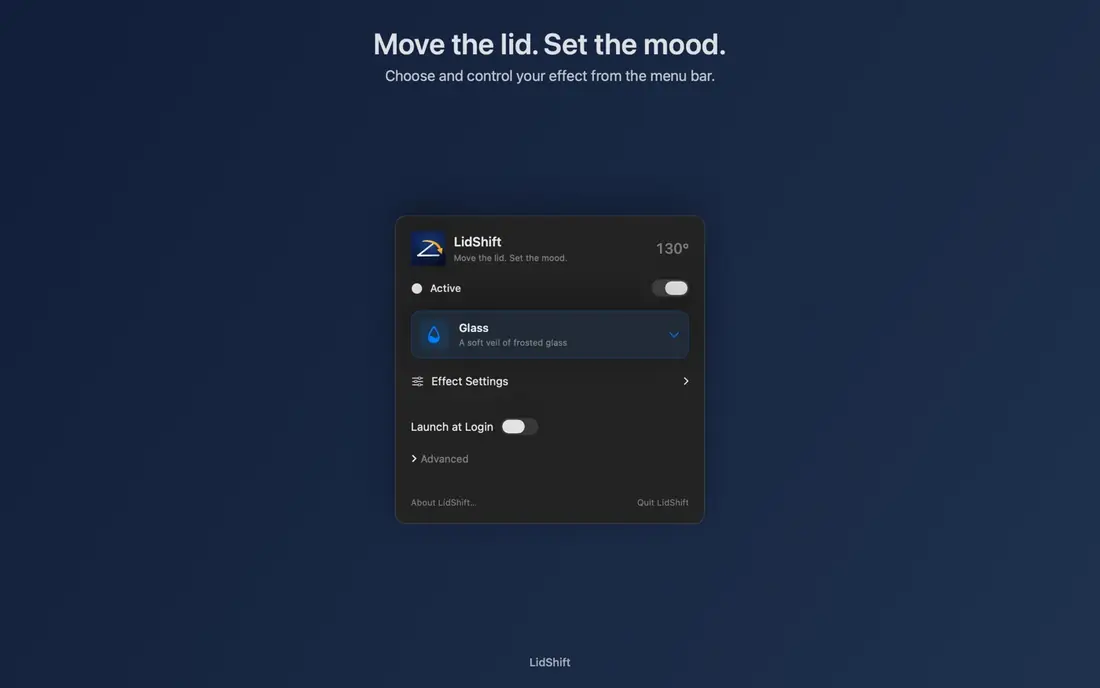
LidShiftA $3.99 menu bar app that burns, freezes or curls your desktop away as you close your MacBook lid.Turn closing your MacBook into a small showPick from 8 effects in the menu barFade the display down with the lid
$3.99 onceSee it
-
 Featured
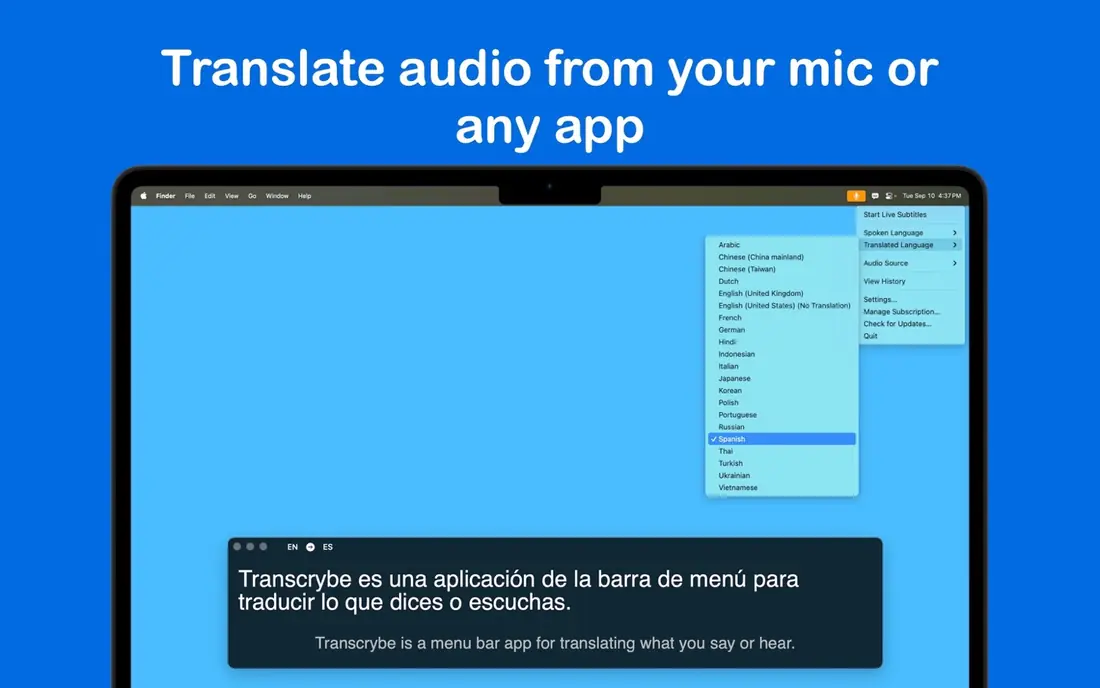
TranscrybeLive translated subtitles for any call, video or podcast playing on your Mac.Follow a Zoom call in another languageUnderstand foreign YouTube videos and podcastsGive a talk with live translated subtitles
$29.99 onceSee it
Where these apps come from
Each app joined Homebrew, the free Mac app installer, that week. The line under each one is the developer's own. On a Mac, the button copies a 1-line install command.
Last 7 days 8
13 Nov to 19 Nov. New apps land here every day.
-
 18 Nov
SetShot
SetShot takes a snapshot of the macOS settings on your Mac, then compares two snapshots to show what changed and what each change means. Reasons to use it:
tidbits.com
-
 17 Nov
Gallery Remote
Present photo slideshows on devices over a local network
Our listing, with prices and verdict
-
 17 Nov
MAX Messages
Create readable, searchable archives of Messages conversations on Mac, including participants, timestamps and message order.
Our listing, with prices and verdict
-
 17 Nov
Zephium
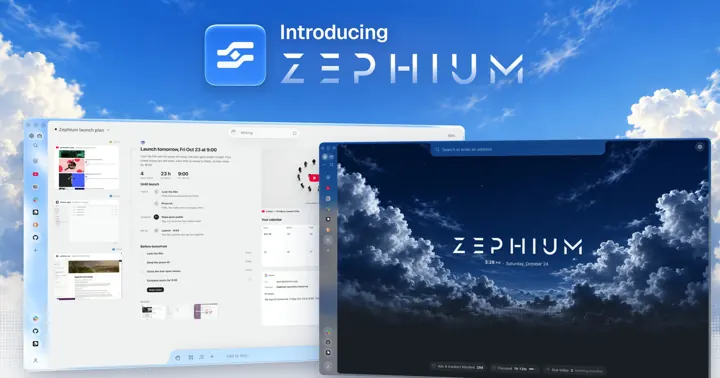
Zephium is a fast, private, open-source browser built in Rust, with Work: a canvas where you and your agents browse, compare and plan in the open, and keep the results.
Our listing, with prices and verdict
-
 16 Nov
MultiDock
Extra macOS panels for the apps, files, and folders you use together. Pin them to an edge or float them, alongside the Dock, not instead of it.
noteifyapp.com
-
 15 Nov
Tab Finder
Tab Finder collects every open tab from Safari, Chrome, Brave and Opera into one searchable list, with dark mode and keyboard shortcuts.
noteifyapp.com
-

 14 Nov
Ardia
A Mac browser with Arc's sidebar and Dia's polish, built on real Chromium. Free, open source and notarized by Apple, with ads and trackers kept out.
Our listing, with prices and verdict
-
 14 Nov
Clipboard Remote
Share clipboard contents between devices over a local network
ntwind.com
Get the 10 best Black Friday app deals in 1 email
1 email on Black Friday morning from The Useful Tech. Every deal is checked with its developer first.
Free. Read by 1,300+ Apple fans. Unsubscribe in 1 click.
 Nitro Photo50% off
 DockFlow50% off
 ExtraDock50% off
Week of 9 Nov 4
9 Nov to 15 Nov
-

 11 Nov
Plezy
Plezy is a beautiful client for Plex and Jellyfin, available on iOS, Android, Android TV, tvOS, Windows, macOS, and Linux. HDR, Dolby Vision, offline downloads, and more.
plezy.app
-
 10 Nov
Blick
A fully native NLE built from scratch, for the art of editing. Scrub, cut and keyframe at the speed of thought. Available now for Windows and macOS.
blickeditor.com
-
 9 Nov
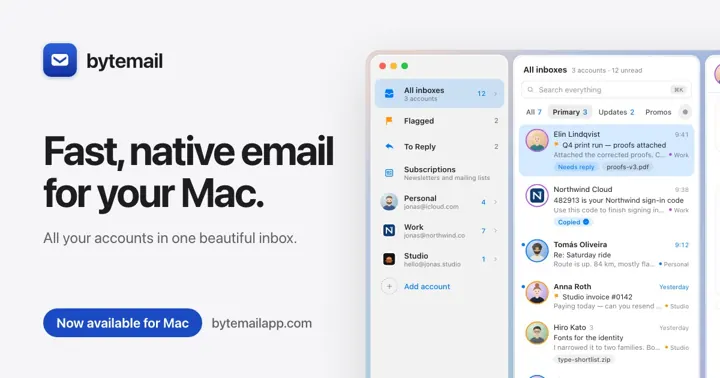
ByteMail
bytemail is a fast, native email app for macOS. Gmail, iCloud, Outlook, Yahoo and IMAP in one clean window, with read receipts, in English, Armenian, Dutch, French, German, Russian and Spanish.
bytemailapp.com
-
 9 Nov
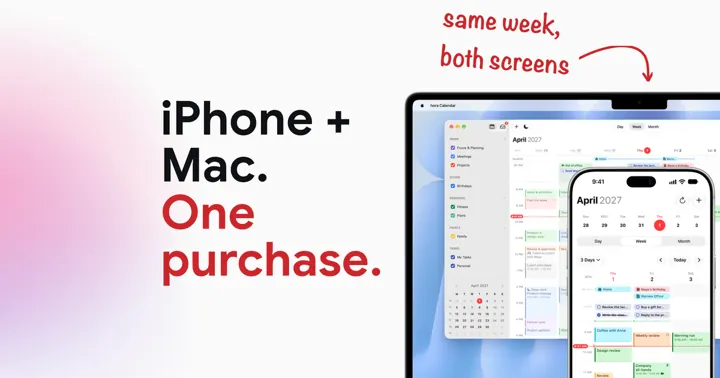
hora Calendar
hora is an independent native calendar for Mac, iPhone and iPad that connects to Google Calendar via the official API. One purchase unlocks all three.
horacal.app
Week of 2 Nov 10
2 Nov to 8 Nov
-
 6 Nov
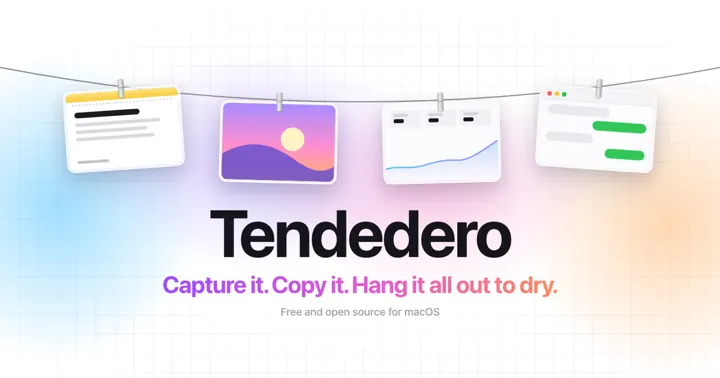
Tendedero
A tiny Mac app that hangs every screenshot, and anything you copy, on a line just above your screen. Rest the pointer in the menu bar and it glides down. Free and open source.
tendedero.app
-
 6 Nov
Tree Outliner
A text outliner for nonlinear thinking.
noteifyapp.com
-
 5 Nov
EMEET STUDIO
Download and update to the latest version of EMEETLINK PC Software. Both Windows versions and Mac versions are available.
emeet.com
-
 5 Nov
ftop
System monitor tool
github.com
-
 5 Nov
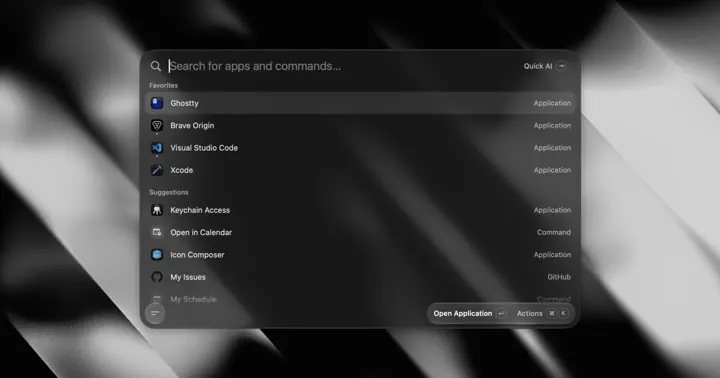
Tinycast
A lightweight, open source macOS launcher with app search, clipboard history, snippets, window management, your own AI keys and Raycast extensions.
Our listing, with prices and verdict
-

 5 Nov
WallpaperMachine
Play Wallpaper Engine scene, video and web wallpapers live on your Mac. Browse and download from Steam Workshop, one per display. Free and open source.
wallpapermachine.app
-
 4 Nov
Obelisk
Game launcher for Steam, Epic Games and GOG libraries
github.com
-
 4 Nov
Read AI
Capture and transcribe conversations instantly with the Read AI app for Mac and Windows - no bot needed. Record any meeting, get real-time transcripts and AI summaries and get insights from Search Copilot anywhere you wo
read.ai
-
 3 Nov
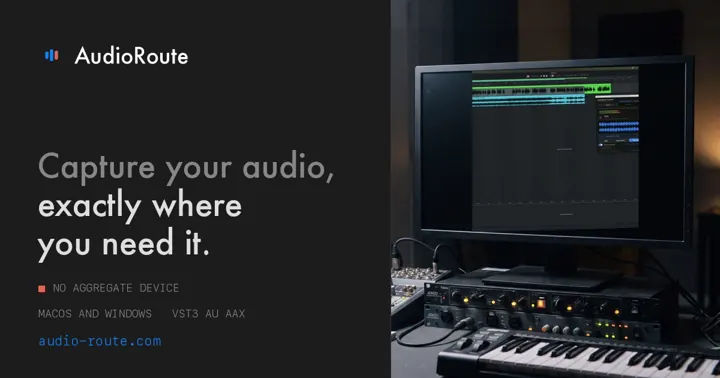
AudioRoute
Any sound your Mac or PC plays, captured onto a DAW track, into any app as a real input device, or straight to a bit-perfect WAV. No aggregate device, no rerouting. 14-day free trial.
audio-route.com
-
 3 Nov
Screendrop
Screenshot and screen recording tool
github.com
Week of 26 Oct 11
26 Oct to 1 Nov
-
 1 Nov
AnyDrag
Move any window by holding a modifier key and dragging anywhere on it
github.com
-
 31 Oct
Notational Velocity
Notational Velocity: modeless, mouseless Mac OS X note-taking application
notational.net
-
 31 Oct
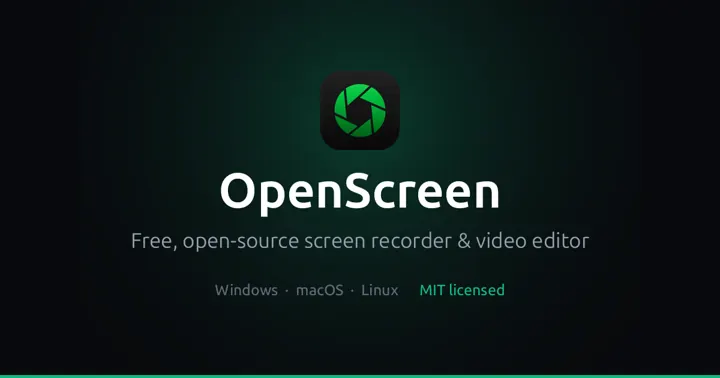
OpenScreen
Turn screen recordings into polished demos with automatic zooms, styled backgrounds and an editable cursor. Free and open source for Windows, macOS and Linux. No watermark.
getopenscreen.com
-
 30 Oct
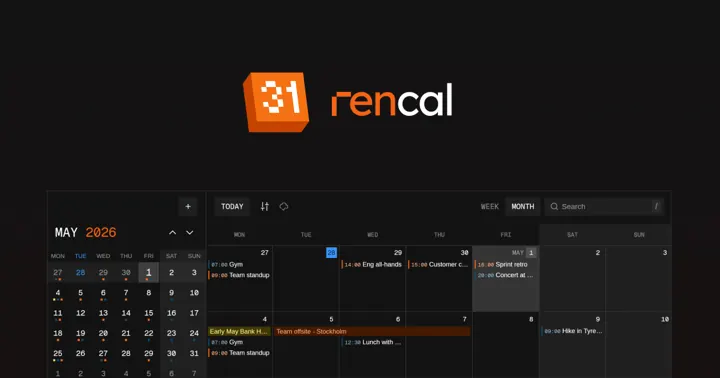
renCal
Free, open-source calendar for hackers. Built for Omarchy, runs on Linux and macOS. Syncs with Google Calendar, iCloud, Outlook and CalDAV. Events stored as plaintext .ics files.
rencal.org
-
 29 Oct
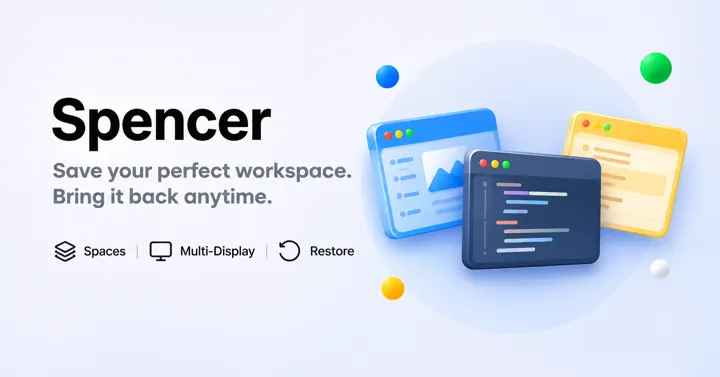
Spencer
Never rearrange your Mac again. Spencer opens your apps, hides distractions, and restores your entire workspace in seconds. Try it free.
macspencer.app
-

 29 Oct
tl;dv
tl;dv is the AI notetaker and AI meeting assistant for Zoom, Google Meet and Teams. Transcripts, summaries and CRM updates from every call. Free forever.
tldv.io
-
 28 Oct
DeutschlandGPT
Die KI-Plattform für den deutschen Mittelstand. ChatGPT, Claude, Gemini & Mistral DSGVO-konform auf europäischer Infrastruktur, Daten in Deutschland. 1.000+ Organisationen vertrauen DeutschlandGPT. Jetzt Demo vereinbaren
deutschlandgpt.de
-
 28 Oct
EMEETLINK
Download and update to the latest version of EMEETLINK PC Software. Both Windows versions and Mac versions are available.
emeet.com
-
 28 Oct
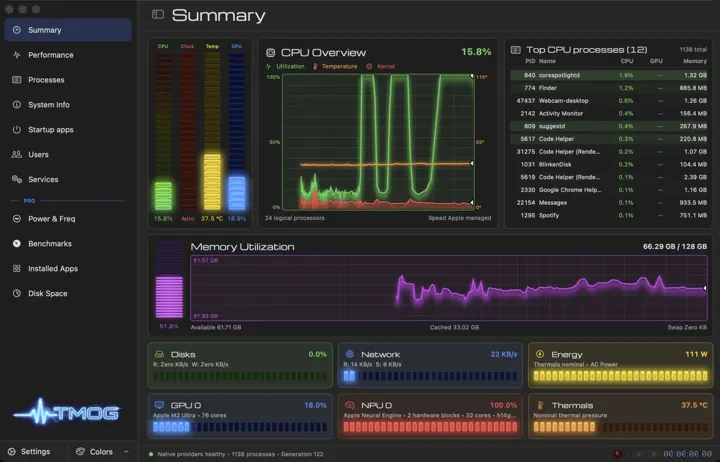
Task Manager TMOG
Why is my computer slow? TMOG knows why. TMOG 1.1 is one task manager with fully native applications for macOS, Windows, and Linux.
tmog.org
-
 27 Oct
nvALT
nvALT is a keyboard-first notes app for the Mac. Press a shortcut, type, and the note list narrows as you go. A title that does not match an existing note becomes a new note. Notes stay plain text…
brettterpstra.com
-
 26 Oct
Keyboop
Бесплатно: переключатель раскладки, голосовой набор и перевод выделенного для macOS. Локально, без слежки. Бесплатная замена Punto Switcher.
keyboop.com
Week of 19 Oct 7
19 Oct to 25 Oct
-
 25 Oct
Peel
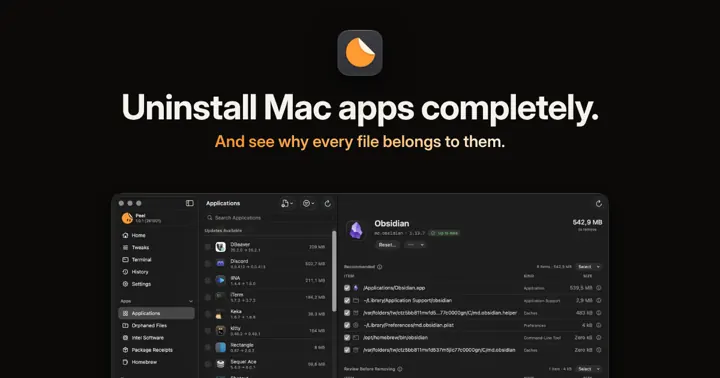
Peel uninstalls Mac apps along with the files they leave behind, and shows why each file belongs to its app. Free and open source, for macOS Tahoe 26 or later.
Our listing, with prices and verdict
-
 25 Oct
wBlock
Ad blocker for Safari
skula.me
-
 24 Oct
Vitals
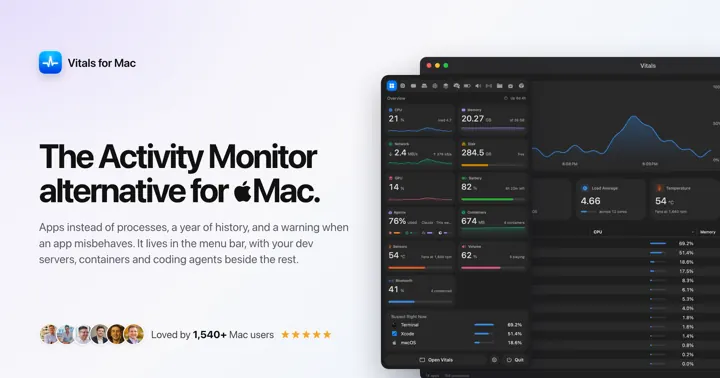
Vitals is an activity monitor and process inspector for Mac: every app’s CPU, GPU, memory, disk, network and energy in one row, up to a year of history, and any process explained: code signature, parent, command line and
Our listing, with prices and verdict
-
 23 Oct
MacDirStat
Disk space analyser
github.com
-
 23 Oct
Writer
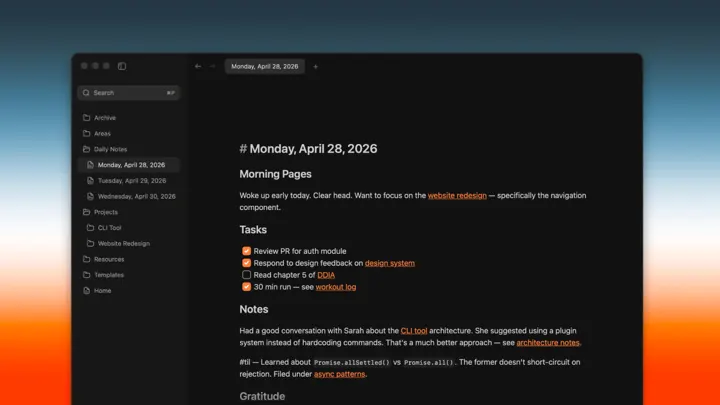
Writer Computer is a free, open-source markdown editor for macOS. About 6 MB, starts faster than Apple Notes and Obsidian, and opens the folders you already have as plain markdown.
writer.computer
-

 21 Oct
Clamshell
Clamshell is a Mac menu bar app that keeps an Apple Silicon MacBook awake with the lid closed, no external display or sudo. 7-day free trial, then $9.99.
clamshell.dev
-
 21 Oct
Sound Studio
Record, edit, and produce your audio with Sound Studio, an easy-to-use Mac app for recording and editing digital audio on your computer. Digitize tapes and vinyl records, record live performances, create your own mixes w
felttip.com
Made a Mac app?
List it free on The Useful Apps, or launch it at the top of this page for 7 days.
Questions
Where can I find new Mac apps?
This page lists every new Mac app added to Homebrew, updated every day. The Useful Five in The Useful Tech newsletter picks 5 new apps every Friday.
How do I install a Mac app with Homebrew?
Install Homebrew from brew.sh, then tap the Terminal button on its card, paste the command into Terminal, for example brew install --cask tab-finder. Homebrew downloads the app from its developer and puts it in Applications.
Are these apps safe?
Homebrew checks that each download matches its developer's published file, and macOS checks that the app is signed. These apps are new, so read their site before you install, as you would with any download.